Introduction
Vertical video is video shot or formatted in a 9:16 portrait orientation (1080×1920 pixels), designed to fill the entire screen on mobile devices held upright. It is the default content format on TikTok, Instagram Reels, YouTube Shorts, and Snapchat Stories, as well as other platforms, where social media algorithms prioritize vertical content for higher engagement and completion rates. Vertical videos achieve a 14% higher click-through rate than horizontal videos, and 90% of vertical video ads are watched to completion.
This article focuses on vertical video for marketing and brand storytelling: campaign content, product launches, paid social ads, and brand culture pieces. It does not cover casual phone clips or vlogging for personal channels. The target audience is mid-sized and enterprise marketers, in-house communications teams, and agencies (especially around Greater Boston and Southern New Hampshire) who want to produce vertical content that performs or repurpose existing horizontal assets into vertical formats in support of brand and business goals.
When should brands prioritize vertical video? Any time the primary viewing surface is a mobile feed: social ads, Reels, Shorts, Stories, and TikTok placements, for example. Landscape or square formats remain stronger for TV spots, CTV/OTT units, long-form YouTube, website embeds, and presentation screens where width matters.
By the end of this guide, you will:
-
Understand what separates strategic vertical video from random phone footage
-
Know which platforms and ad placements demand vertical formats in 2026
-
Have a clear pre-production and shooting checklist for 9:16 content
-
Learn how to convert existing horizontal brand assets into effective vertical clips
-
See how a studio like Granite River Studios partners with brands on vertical-first campaigns
Understanding Vertical Video
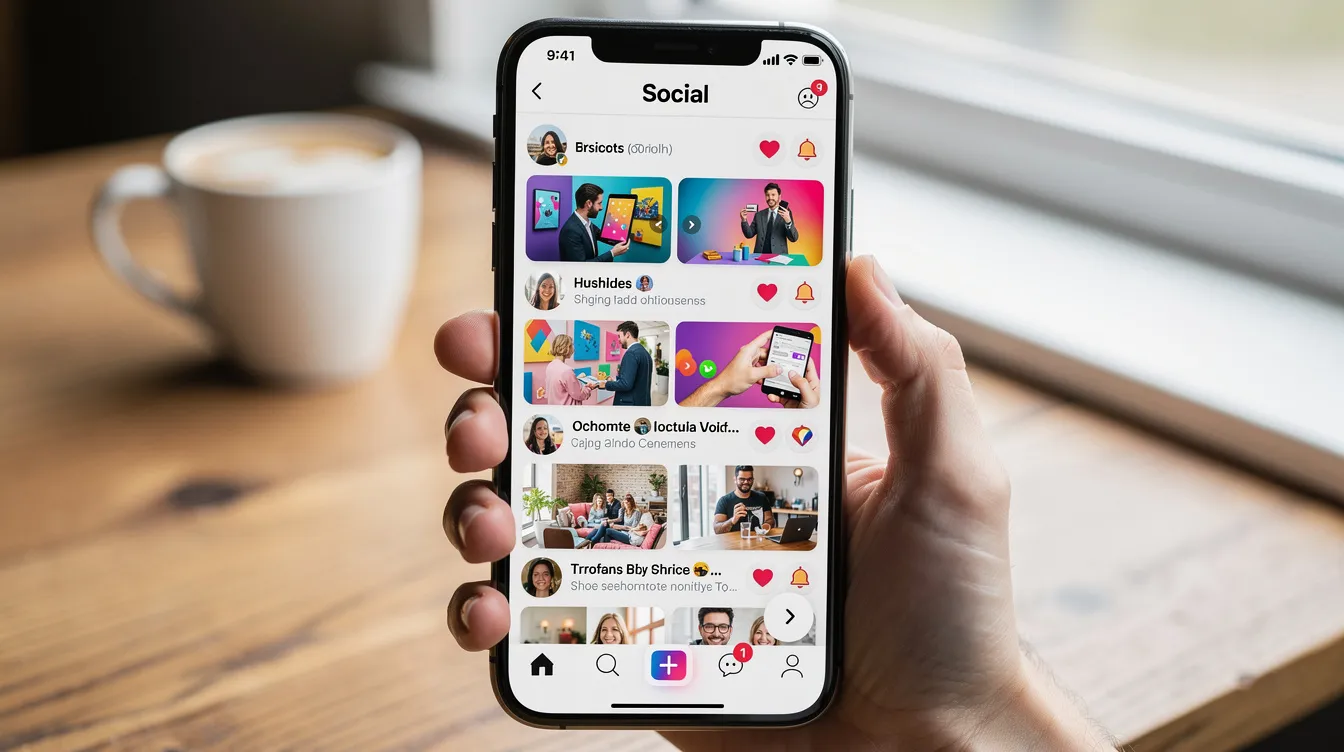
Vertical video is a storytelling format shaped by smartphones, social feeds, and the broader role of technology in how people consume content. It is not simply a rotated camera. The vertical frame changes composition, pacing, and viewer psychology: content fills the entire screen on mobile devices, blocking surrounding feed distractions and creating an immersive experience. Vertical videos are shot in a 9:16 aspect ratio, with a high-quality resolution of 1080×1920 pixels. They are designed for single-hand, portrait orientation viewing, which is how most users hold their phones throughout the day.
For brands, the format matters because attention in fast-scrolling feeds depends on thumb-stopping hooks, tight framing on faces and products, and efficient reuse of campaign footage across social media platforms. It also supports the viewer’s ability to stop, watch, and respond without changing how they naturally use their phone. That ease makes it easier for audiences to interact through taps, comments, and shares.
Brands also use vertical formats to share information quickly across online channels.
The Mobile Devices-First Shift
75% of Gen-Zers prefer their phone over any other device. Nearly 70% of users do not rotate their phones for horizontal videos. These two facts explain why vertical became the default: people consume content on mobile devices held upright, and they will not adjust their grip to accommodate a horizontal video.
The timeline moved quickly, and that pace is now part of the format’s recent history. Snapchat introduced full-screen vertical Stories in the mid-2010s. Instagram followed with Stories in 2016 and Reels in 2020 as social networking habits shifted toward mobile-first viewing. TikTok’s explosive growth in the late 2010s cemented short videos in portrait orientation as the dominant format for young adults, while social media apps trained audiences to expect fast, full-screen playback. YouTube Shorts launched around 2021, and by October 2024, YouTube expanded Shorts length to up to 3 minutes. Any video uploaded after that date with a vertical or square aspect ratio and a duration of 3 minutes or less is classified as a Short and enters the Shorts recommendation feed.
For brands in 2026, planning in vertical from the storyboard stage carries the same weight as the HD-to-4K transition. It is a baseline production decision, not an afterthought, especially since audiences now move between apps and websites with the same upright viewing behavior.
Key Characteristics of Effective Vertical Video
What separates vertical video that performs from a phone clip rotated sideways? Several defining traits:
-
Full-screen mobile immersion. Vertical content creates an immersive experience that blocks surrounding feed distractions. The viewer’s entire screen is your canvas.
-
Tight framing on faces and products. The narrow vertical frame favors close-ups and medium shots. Group shots and wide landscapes lose detail.
-
Early hooks. Users often swipe away if vertical videos do not capture attention within 3 seconds. Movement, bold text, or a direct question in the first moments determines whether someone watches or scrolls past. Keeping the opening simple often makes sense on small screens.
-
Bold text and motion graphics optimized for tall screens. Stacked text, top/bottom bars, and kinetic type work within the vertical layout for videos built from footage, photos, and text overlays. Captions are critical for viewers who watch videos without sound.
-
Safe zone awareness. Viewer attention concentrates in the central and upper portions of the frame; platform UI elements (buttons, captions, progress bars) cover the edges. Careful planning is required to manage text and UI overlaps in vertical videos.
Compared to horizontal video storytelling conventions, vertical video uses fewer wide establishing shots, faster pacing, and more direct address to the camera, and vertical clips feel more native on online platforms. Vertical videos can be perceived as more authentic and spontaneous by audiences, which is one reason the format thrives in social media posts.
With the format defined, the next section maps vertical video to specific channels, objectives, and campaign types in your marketing mix.
Where Vertical Video Fits in Your Marketing Strategy
Vertical video is one format in an omnichannel plan, not a replacement for every asset. A 30-second TV spot, a 5-minute product walkthrough on your website, and a 15-second Reel serve different purposes. This section maps where vertical fits, which platforms reward it, and which brand objectives it serves best.
Priority Major Social Media Platforms for Vertical Video in 2026
The major social media platforms are built around 9:16, and vertical-native distribution now spans the major social feeds while traditional media still plays a supporting role alongside social-first viewing, with major platforms also shaping news consumption and public opinion:
-
TikTok runs entirely on vertical: in-feed videos, TopView ads, and branded effects all assume portrait orientation. The platform’s algorithm rewards video completion and engagement, which can also intensify echo chambers by repeatedly surfacing similar content, making vertical content with strong retention curves the best-performing format.
-
Instagram Reels recommends 9:16 at 1080×1920. The Reels camera allows recording up to approximately 20 minutes (as of November 2025), though videos under 3 minutes tend to reach more non-followers. Reels ads follow the same vertical specs.
-
YouTube Shorts accepts 9:16 or 1:1 at up to 1080p resolution, with a maximum length of 3 minutes. Any vertical or square upload of 3 minutes or less automatically enters the Shorts feed.
-
Snapchat remains a vertical-native platform for Stories and Spotlight.
-
Facebook Reels mirrors Instagram’s specs and serves vertical content in the mobile feed.
These same platform mechanics also affect politics by influencing how messages spread beyond brand content.
Similar 9:16 viewing behavior now shows up across other online platforms and photo sharing environments as well.
LinkedIn’s growing support for vertical video deserves attention for B2B storytelling and employer branding. LinkedIn accepts aspect ratios between 1:2.4 and 2.4:1, which includes full 9:16 vertical. Organic feed posts can run up to 15 minutes from desktop. The platform’s algorithm now emphasizes dwell time for video content; early drop-off harms reach, while a strong opening can put branded clips in front of more eyes. For many B2B teams, a 4:5 portrait format (1080×1350) works as a practical middle ground on LinkedIn’s feed.
Some brands repurpose vertical social spots into CTV/OTT units via pillarboxing or graphic treatments. Planning vertical-first is cleaner for social, and CTV campaigns can receive separate landscape cuts rather than forced adaptations.
Brand Objectives Best Served by Vertical Video
Vertical video performs best for:
-
Awareness in social feeds. Vertical videos fill the entire screen on mobile devices, capturing more attention per impression than letterboxed horizontal content in a vertical scroll environment.
-
Product demos and tutorials. The close-up, hands-on framing of vertical is a natural fit. Vertical videos are particularly effective for short product demonstrations and tutorials because the frame isolates the product against minimal background distraction.
-
Behind-the-scenes culture content. The format’s spontaneous feel lets companies share workplace moments, team introductions, and event footage that help build communities and online communities around a brand’s identity while also strengthening community around that brand and creating a sense of social support.
-
Short testimonial clips. A single face filling the vertical frame feels direct and personal, and relatable storytelling can help audiences feel connected and, in some cases, make more friends through shared-interest communities.
For performance marketing, vertical video ads with overlays, CTAs, and promo codes tailored to thumb-scroll behavior, and tuned to audience interests when testing variants, drive measurable results. SCO Cykler improved CTR by 35% year-over-year and reduced cost per click by 46% by transforming creatives into a dedicated vertical Reels track. Qula360 switched from static image ads to vertical video for an e-commerce client and saw CTR climb from 2.24% to 6.74%, roughly tripling click performance while spending less.
Storytelling in vertical video needs to be tailored for fast attention and mobile viewing. Micro-narratives, quick scene changes, and episodic content (30 to 60-second brand “chapters”) all leverage the format’s strengths. Short episodic formats also make it easier to test new ideas quickly. The vertical mini-series “İki Dakika” produced approximately 100 episodes of roughly 2 minutes each; the first ten episodes generated over 40 million views and exceeded revenue goals by 200% before episode one aired.
Matching Vertical Video to the Rest of Your Video Ecosystem
Vertical assets work alongside TV spots, brand anthem films, and product videos as derivative or parallel content rather than replacements:
-
Long-form YouTube or website video builds depth and educates
-
Vertical clips act as teasers, retargeting creative, and social proof touchpoints
-
TV ad production can include vertical deliverables planned from the same shoot day
Key points from this section:
-
TikTok, Instagram Reels, YouTube Shorts, and Snapchat are fully vertical-native; LinkedIn supports vertical but often favors 4:5 on mobile
-
Vertical serves awareness, product demos, testimonials, and direct-response objectives
-
Vertical fits into an omnichannel plan as a companion to long-form and broadcast content, not a standalone format
Once strategy is clear, success depends on how you plan and shoot for 9:16 from day one.
Planning and Producing Vertical Video
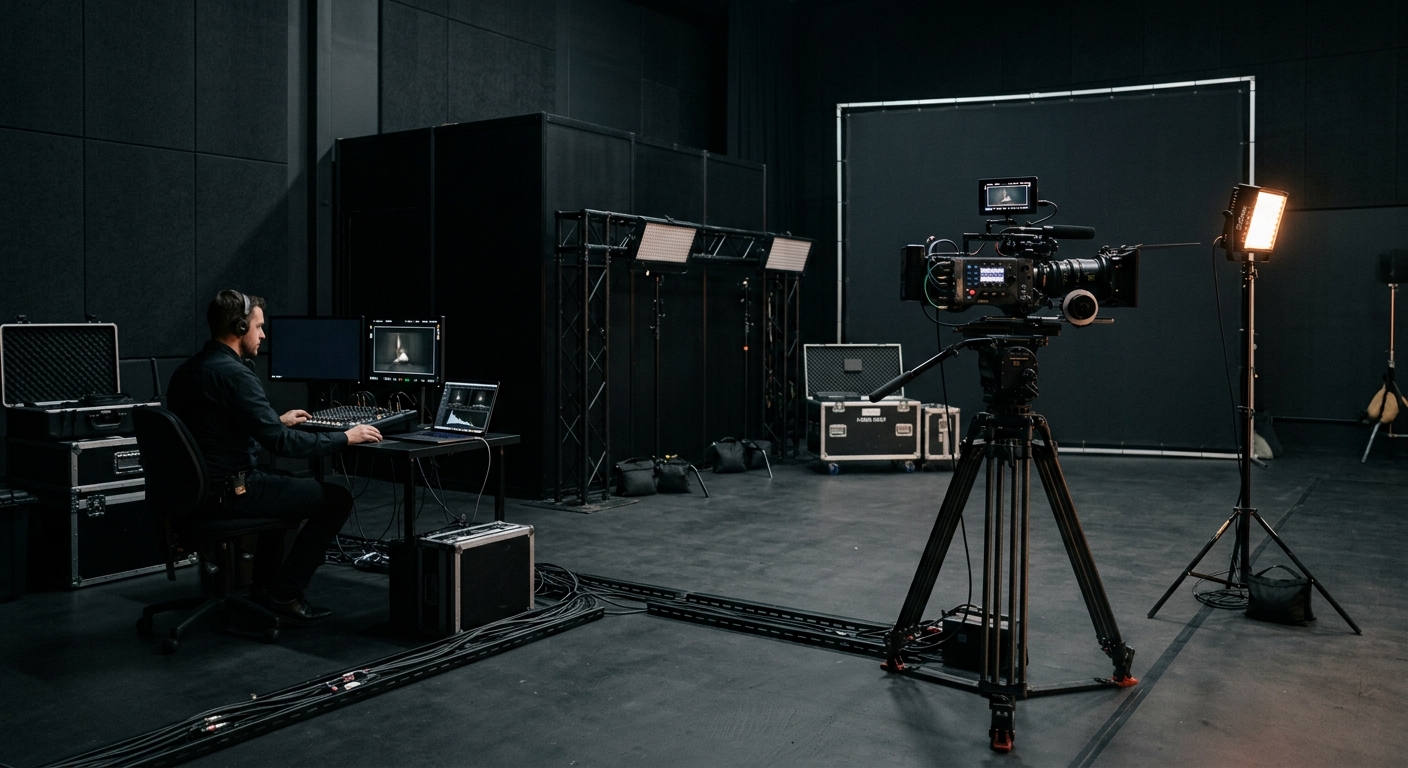
Strategy decisions translate into pre-production choices, framing on set, and technical execution. This section covers what to do before and during the shoot. At Granite River Studios, we integrate vertical deliverables into broader production shoots across Greater Boston and Southern New Hampshire, so clients get both landscape and vertical cuts from a single production day.
Pre-Production for 9:16 Content
The decision of whether to storyboard in vertical vs. design “center-safe” compositions that work in both 16:9 and 9:16 depends on the campaign. A social-only product launch can storyboard entirely in vertical. A campaign that needs a TV spot plus Reels cut-downs should design compositions where critical action stays within the center vertical safe zone, and making that call early improves access to usable footage for every required deliverable.
Pre-production tasks specific to vertical:
-
Define which scripts and scenes will be cut into Reels, Shorts, Stories, and other social media use cases before the shoot
-
Plan hooks and visual payoffs within the first 3 seconds of each vertical clip
-
Identify on-screen text moments and map safe zones away from platform UI (buttons, captions, progress bars sit at top and bottom edges)
-
Lock in vertical deliverable specs (durations, platforms, aspect ratios) with your production team before shoot day
Coordinating deliverables across teams and social media companies’ specs early reduces downstream revisions.
Collaboration between marketers, creatives, and the production crew at this stage prevents the most common post-production headaches. A 15-minute conversation about vertical specs in pre-production saves hours of re-editing later.
How to Shoot Vertical: Native vs. Flexible Capture
Two core approaches exist for brands that shoot vertical videos:
Native vertical capture means the camera is oriented in portrait or the smartphone is held vertically. This gives the director of photography full control over vertical composition: framing, depth of field, and motion all serve the 9:16 frame. Native capture is the right choice for purely vertical campaigns where horizontal deliverables are not needed.
High-resolution horizontal capture framed “vertical-safe” means shooting in 4K or higher in landscape, but keeping talent and key action centered so the footage can be cropped to 9:16 later. Editing horizontal videos to vertical requires cropping to 9:16, and starting with 4K+ resolution ensures the cropped frame retains enough detail to look sharp at 1080×1920.
Technical considerations for either approach:
-
Frame talent centrally and leave headroom and negative space for overlays
-
Use tripod heads that flip to portrait, cage or gimbal setups for phones, and monitors with vertical frame guides
-
The narrow frame of vertical video can limit landscape framing and group shots; plan compositions accordingly
At Granite River Studios, we use on-set monitors with 9:16 frame guides to protect compositions for social cut-downs, even when the primary deliverable is a landscape spot.
Sound, Lighting, and Motion Graphics for Vertical
Audio quality matters as much for a 15-second Reel as for a TV commercial. Lavalier mics, clean voiceover recording, and intentional sound design separate professional vertical content from other content shot on phones. Captions are critical for viewers who watch videos without sound; plan caption placement during pre-production, not as an afterthought in post, and they also help viewers consume internet content in sound-off environments.
Proper lighting is essential for clear vertical video quality. On small phone screens, low-contrast or muddy footage loses the viewer immediately. Bright, clean exposure with strong separation between subject and background reads well on mobile devices. Color palettes with high saturation and clear contrast tend to grab attention in fast-scrolling feeds.
Motion graphics and title design for vertical layouts follow different rules than landscape. Text should stack vertically. Top and bottom bars help frame information cleanly and make it easier to share information quickly in a vertical frame. Kinetic type needs to avoid competing with platform captions or action buttons. Our post-production team designs motion graphics templates specifically for 9:16 to keep these elements consistent across campaign deliverables.
These production decisions feed directly into how footage gets adapted and distributed in post.
From Horizontal to Vertical: Practical Implementation
Most brands already have horizontal assets: TV spots, product videos, webinar recordings, conference content. The question is how to adapt them to vertical efficiently without losing brand integrity or visual clarity. This section covers a repeatable workflow and the decision framework for when to crop vs. when to reshoot.
Step-by-Step Workflow to Repurpose Existing Assets
When to repurpose: campaign extensions, social cut-downs from a recent shoot, A/B testing new hooks on existing footage. When to reshoot: if the original footage has no usable center-framed shots, if subjects are too small in frame, or if the brand voice has changed since the footage was captured.
The workflow:
-
Audit your current video library for vertical potential. Look for scenes with strong faces, centered actions, and clear product shots. These crop well to 9:16.
-
Select priority clips aligned with current campaigns, seasonal pushes, or offers. Match vertical clips to active media plans rather than repurposing at random.
-
Create 9:16 sequences in your NLE (Premiere Pro, Final Cut, DaVinci Resolve) and test crops for key scenes. Review crops on an actual phone screen, not just a desktop monitor.
-
Add platform-specific overlays: captions, headlines, progress bars, and CTAs optimized for each social network. Each platform’s UI places buttons and text differently across social feeds and news feeds. If a cut includes stats or factual claims in overlays, verify them against trusted sources such as Pew Research Center before publishing.
-
Export in correct specs for TikTok, Instagram Reels, YouTube Shorts, and LinkedIn. Schedule testing and iteration; campaigns with many vertical video variants (different hooks, openings, captions) outperform those with few. A Shopify brand that produced 60 vertical videos in one week saw approximately 241% improvement in CTR over static image ads.
Optimized vertical edits are also more likely to get more eyes across multiple placements.
Granite River Studios plugs into this workflow at the audit, edit, motion graphics, and delivery stages. Our video editing service handles format conversion and platform-specific exports so internal teams can focus on strategy and scheduling.
Choosing Between Native Vertical Video and Cropped Horizontal Video
|
Criterion |
Shoot Native Vertical |
Crop from Horizontal |
|---|---|---|
|
Visual impact |
Full control over 9:16 composition; strongest framing |
Depends on source framing; center-heavy shots crop well, wide shots do not |
|
Flexibility for other formats |
Limited; produces vertical-only assets |
High; original landscape footage serves TV, web, and presentations |
|
Cost |
Requires separate setup or dedicated vertical camera |
Lower incremental cost if shoot was already planned in landscape |
|
Speed |
Faster for vertical-only deliverables |
Requires additional editing time per clip |
|
Best for |
Social-first campaigns, product launches, vertical ad series |
Regional TV campaigns with social cut-downs, repurposing archives |
How to interpret this: if a campaign lives primarily on social media platforms and the brand’s goal is awareness or direct response through Reels and Shorts, native vertical is worth the production investment. FitFlop’s mobile-first vertical video campaign drove $100,000 in incremental revenue and lifted online sales by 73% compared to prior photo-ad campaigns, with a 28-point lift in ad recall.
For a brand running a regional TV campaign in the Boston market that also needs social assets, shooting in 4K landscape with vertical-safe framing and pulling 9:16 crops in post is the more efficient path.
If existing horizontal footage is the only option and reshooting is not in the budget, cropping works for quick promos, internal content, and test variants, provided the source resolution is high enough and the subject was framed centrally.
Even with the right approach chosen, teams regularly hit predictable roadblocks when executing vertical video at scale.
Common Vertical Video Challenges and How to Solve Them
Brands rarely struggle with the idea of vertical video. The friction appears in execution: compositions that feel wrong after cropping, viewers who swipe past within a second, and a mixed bag of quality across different teams producing content. At Granite River Studios, we see these patterns across campaigns and have developed practical fixes for each.
Problem 1: Cropped Videos Feel Cramped or Awkward
When horizontal footage is forced into a vertical frame, important elements get cut off. Lower thirds disappear. Subjects appear too tight. Background context that gave the shot meaning is gone.
The fix starts in pre-production. Plan “vertical-safe” framing so the DP keeps critical visual elements within the center 9:16 zone. Shoot at 4K or higher so crops retain resolution. Design separate graphics variations for 9:16; logos, supers, and captions need their own vertical templates. Before finalizing any vertical cut, review it on a phone screen, not a desktop timeline. What looks fine on a 27-inch monitor can feel claustrophobic on a 6-inch phone.
Problem 2: Vertical Clips Don’t Grab Attention
Users often swipe away if vertical videos do not capture attention within 3 seconds. Low watch times inflate CPMs and reduce reach, creating negative effects on campaign efficiency. Social media algorithms penalize content with high early drop-off rates by limiting distribution to other users.
The solution is structural. Open with movement, close-ups, or a pattern break that makes the viewer pause mid-scroll. Place immediate context in captions or on-screen text so viewers understand what they are watching before deciding to stay. Test alternate openings cut from the same footage; A/B testing hooks is one of the highest-ROI activities in vertical content production. Teams should not confuse an early pause with a strong result if the opening relies on inaccurate information or misleading expectations. Attention optimization should not come at the expense of mental health, especially when repeated exposure or pressure-driven creative adds stress. Some brands also build campaigns around less social media or more intentional viewing behavior when that better fits their values. SoCal Gas ran the same content in vertical vs. horizontal formats and saw the vertical version produce nearly triple the click-through rate: 0.11% CTR for vertical against 0.05% for horizontal.
Episodic micro-stories and series formats also help. When returning viewers know what to expect from a recurring format, retention improves because familiarity reduces the cognitive load of deciding whether to watch. Repeatable formats also make audience behavior easier to anticipate from one post to the next.
Problem 3: Inconsistent Quality Across DIY and Professional Content
When a brand posts polished studio content alongside raw phone clips from field teams or executives, the feed creates a disjointed impression. Other users and potential customers notice the inconsistency. This is a common issue for companies that share content across multiple social media sites and online platforms and want to maintain brand coherence while also encouraging internal teams to create short videos quickly, especially when messaging touches the public interest.
The fix is a lightweight brand guideline document specifically for vertical video. Define framing standards (head-and-shoulders vs. full body), minimum lighting and audio thresholds, approved text styles and fonts, and color treatment rules. Distribute a shared asset kit with branded openers, end slates, and graphic packages so even a quick internal vertical feels on-brand.
Consistent templates matter when teams publish across the internet and want viewers to recognize the brand immediately.
A video production partner can supply these “keystone” assets and train internal teams on using them. The goal is not to make every piece of content look identical; it is to set a quality floor that protects the brand while allowing the speed and authenticity that social platforms reward.
Once these challenges are addressed, brands can scale vertical production in a disciplined way. Consistency also makes the brand feel more credible as audiences move between platforms and traditional media touchpoints.
Conclusion and Next Steps
Vertical video is now foundational to brand storytelling and performance marketing on every popular social media platform. Vertical videos fill the entire screen on mobile devices, social algorithms prioritize them for better engagement, and they are watched to completion 90% of the time. The format is not a trend to experiment with; it is a baseline production requirement.
The path forward: understand the format’s constraints and strengths, map it to clear objectives (awareness, product demos, direct response), plan for 9:16 in pre-production, and choose wisely between native vertical capture and repurposing horizontal footage.
Actionable next steps:
-
Audit your current horizontal video library for vertical-ready moments (centered subjects, clear product shots, strong faces)
-
Pick one live campaign and design a vertical-first variant to test this month
-
Create or update your brand’s vertical video guidelines covering framing, captions, duration, and platform specs
-
Schedule a strategy session with Granite River Studios to scope a vertical content package for the next quarter
Related topics to explore next: TV and CTV spots that complement vertical social distribution, short-form vs. long-form video strategy, and marketing video production for brands focused on measurable results.
Additional Resources
For deeper implementation, these references support the decisions covered in this guide:
-
Shooting checklist for vertical on set: shot sizes (close-up, medium, over-the-shoulder), framing rules (center talent, leave headroom for UI), safe zone maps for TikTok, Instagram, and YouTube Shorts
-
Platform specs summary for 2026: YouTube Shorts (1080×1920, up to 3 minutes), Instagram Reels (1080×1920, recommended under 3 minutes for reach), LinkedIn (9:16 or 4:5, up to 15 minutes from desktop), TikTok (9:16, multiple duration options)
-
Vertical video campaign formats Granite River Studios has produced: product launch teasers, vertical-only social ad series, vertical versions of Boston-area TV spots, and behind-the-scenes employer brand content for companies across Southern New Hampshire
-
Glossary of key terms: 9:16 (vertical aspect ratio), safe area (region of the frame not covered by platform UI), pillarboxing (adding side bars to display vertical content on horizontal screens), reframing (adjusting composition from one aspect ratio to another), motion graphics templates (pre-built animated elements designed for specific aspect ratios)
Contact Granite River Studios for a tailored vertical video content roadmap specific to your industry and regional audience.