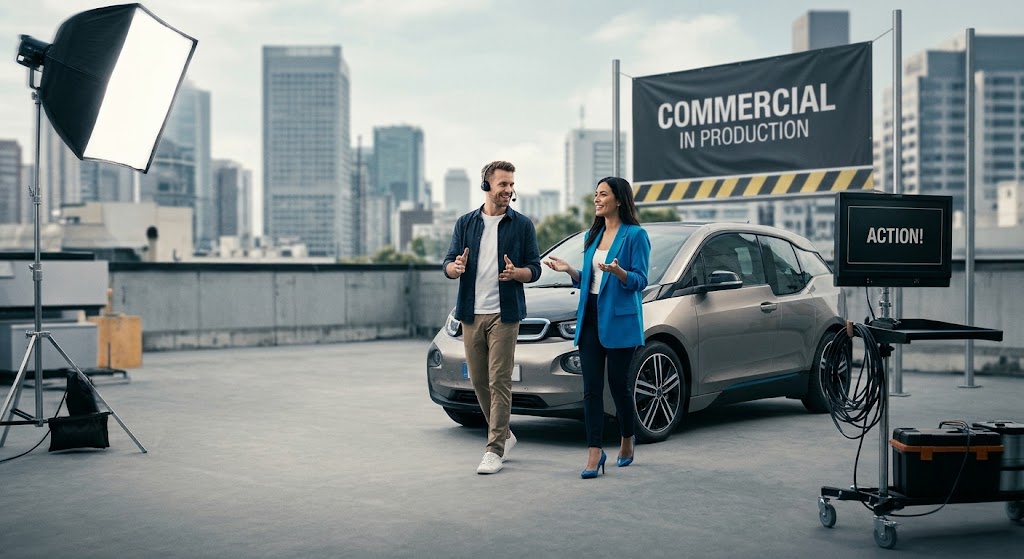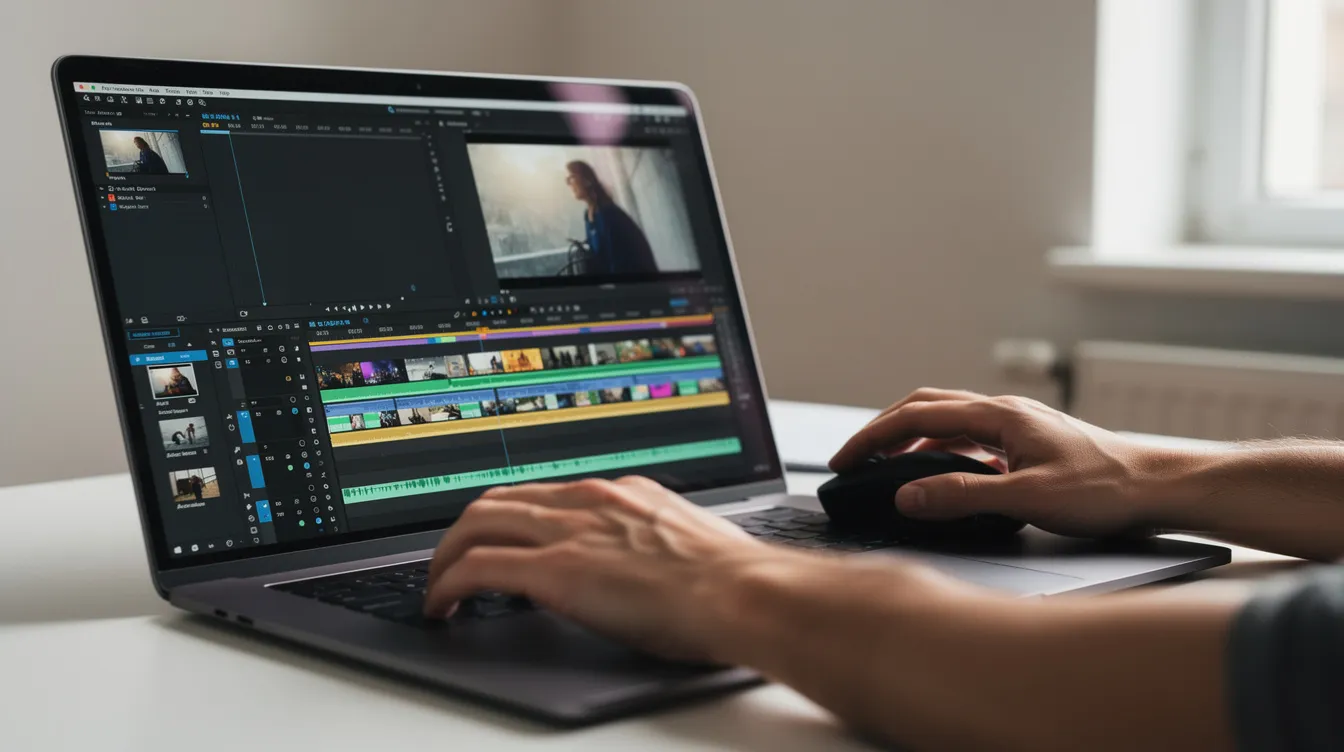
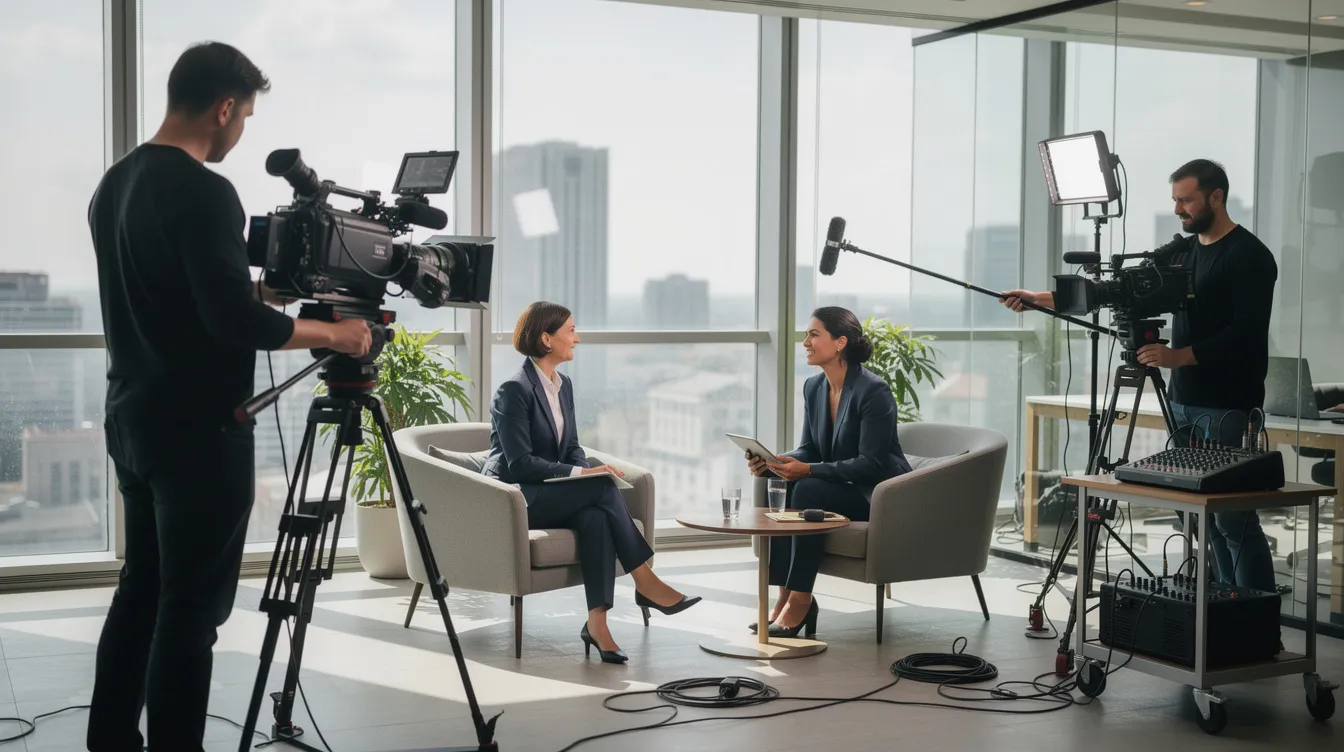
Videography content is the engine behind how modern businesses communicate, sell, train, and recruit. This guide breaks down the full video production process for B2B brands: what to create first, how to plan a shoot, what makes footage look and sound professional, and how to measure whether your investment actually moved the needle. Whether your team is building its first content creation calendar or scaling an existing video marketing strategy, every section here is built around practical, repeatable decisions.
Key Takeaways
-
Videography content for businesses means planned, strategic video assets (corporate videos, product videos, promotional videos, educational videos, testimonials) tied to measurable goals like lead volume, training completion, and deal velocity.
-
The three core stages of the video production process (pre production, production phase, and post production) each affect final video quality and ROI. Skipping pre production planning is the most common and most expensive mistake.
-
For B2B brands in Greater Boston and Southern New Hampshire, the highest-performing formats in 2026 are brand storytelling films, product launch videos, testimonial content, and short-form social clips.
-
Good sound, composition, and natural light can elevate even a simple talking-head video recording from “meh” to “watch the whole thing.”
-
Granite River Studios is a full-service video partner that plans, shoots, edits, and distributes videography content across TV, OTT/CTV, web, and social media platforms.
What Is Videography Content for Modern Brands?
Videography content is every piece of video material a business uses to communicate: corporate videos, product videos, promotional videos, educational videos, testimonials, social clips, and training videos. It is not just someone pointing a camera at a live event. Video production includes planning, filming, and editing stages, and different types of content serve distinct purposes in videography.
The gap between ad-hoc video and strategic video content creation is the gap between “we posted something” and “we generated 40 demo requests from that campaign.” Strategic content ties to campaigns, launches, and specific KPIs. A SaaS company in Boston launching a new product in 2026 might shoot a teaser video for LinkedIn, a two-minute explainer for the landing page, and a set of how to videos for customer onboarding, all planned in one pre production cycle. That is videography content doing real work.
Video content reaches nearly 93% of worldwide internet users, and 93% of video marketers say video increases brand awareness. Videography blends visual storytelling, audio, and motion to connect with audiences in ways static content cannot. Brand videos build awareness and establish a distinct identity for a business, which is why 91% of businesses now use video as part of their marketing mix.
Granite River Studios focuses on B2B brands in Greater Boston and Southern New Hampshire, producing videography content for TV, OTT/CTV, web, and social platforms. We handle the full video production pipeline so your team can focus on running the business.
Core Business Video Types: What to Create First
Not every video type deserves your budget on day one. Here are the formats that consistently drive results for B2B brands:
-
Corporate videos (culture, leadership messages, recruitment): These support internal alignment, leadership visibility, and hiring. A quarterly CEO update filmed with a clean two-camera setup keeps distributed teams connected. 93% of video marketers report increased brand awareness through video, and corporate videos are a primary vehicle for that.
-
Promotional videos (campaigns, events, limited-time offers): Tight runtimes of 15 to 60 seconds. Clear calls to action. 71% of marketers say the ideal video length is 30 seconds to 2 minutes, which maps well to promotional clips for social and OTT.
-
Educational videos (how to videos, FAQs, onboarding clips): These reduce support load and improve customer and employee training. Educational content establishes authority by teaching skills and breaking down complex ideas. 96% of people have watched explainer videos to learn about products, and explainer videos are the most in-demand video format in 2026.
-
Product videos and demos: Walk through real workflows and benefits, not just feature lists. 80% of people bought an app after watching a demo video. Use these on web pages, in sales decks, and at trade shows.
-
Testimonial and case study videos: Customer testimonials build trust by showcasing real clients sharing positive experiences. Testimonials and case studies use real voices to build credibility and generate sales, especially for complex B2B services where peer proof closes deals.
-
Event videography and live video: Event videography captures live moments and preserves temporary experiences for a wider audience. Live videos foster interaction and engagement with audiences, and documentary films provide in-depth exploration of real life events. These are supporting formats; start with the five types above.
Pre Production Planning: Where Strong Videography Content Starts
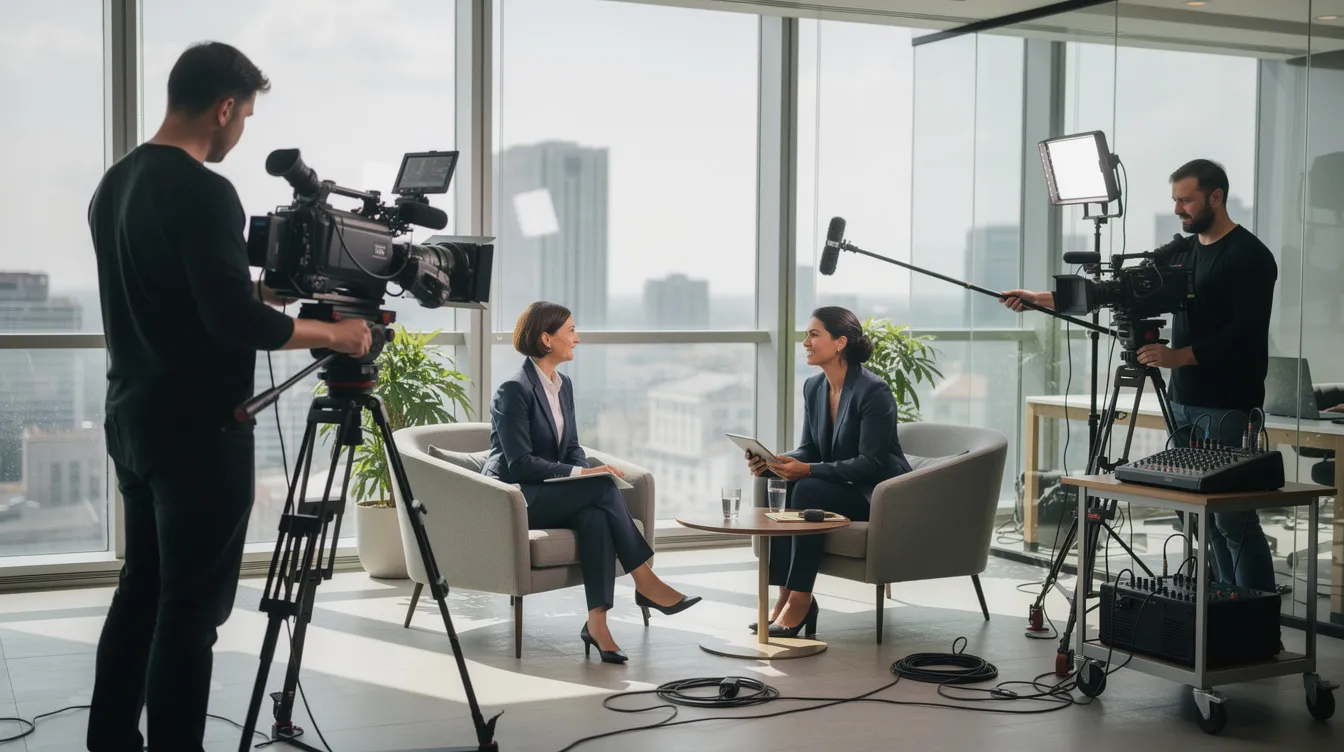
High-quality footage often begins with proper pre production planning and scripting. Pre production planning typically takes 20 to 30% of the total budget, and that investment pays for itself by preventing wasted shoot days, off-message interviews, and unusable raw footage.
Here is a practical pre production checklist:
-
Set numeric goals. “Increase demo requests by 20% in Q1 2026” or “reduce onboarding time by 30 minutes per new hire.” These goals determine the video type, length, tone, and platform.
-
Define your target audience and messaging. Identify the role (procurement manager, CTO, HR director), their pain points, and the single idea they should remember after watching. Map messaging to funnel stage: awareness, consideration, or decision.
-
Script, storyboard, and plan platform placement. Every video needs at least an outline. Testimonials need interview question lists. Decide early where each asset will live (TV, landing page, LinkedIn, YouTube, internal LMS) because framing, captions, and length depend on the platform. The video’s purpose shapes every creative decision.
-
Scout locations. Boston offices, New Hampshire manufacturing floors, outdoor locations where natural light is an asset. Outdoor golden-hour windows (morning, late afternoon) yield softer light and fewer harsh shadows. Secure permits; filming on Boston public streets requires a city permit.
-
Schedule around availability. Align shoot days with leadership availability, customer visits, and product demo units. Capture B-roll while the team and product are in use. Plan to capture multiple videos per shoot: interview, facility, product close-ups, and behind-the-scenes moments.
The Production Process: Capturing Footage That Actually Tells a Story
The production phase is where plans become video footage. Here is what happens on a well-run shoot day:
-
Crew roles. Filming usually requires professional camera crews and equipment. A typical crew includes a creative director or director, camera operators, a sound recordist, and a producer. Crew members coordinate to capture A-roll (interviews, main action) and B-roll (supporting visuals, context footage) efficiently.
-
Tools in 2026. Multi-cam setups for talking-head sessions give editors angle options. Drones capture exterior facility shots and campus flyovers. Gimbals deliver smooth walk-and-talk sequences. LED panels and dynamic lighting rigs handle product shots and interior spaces. Digital cameras range from cinema-grade bodies to mirrorless systems; beginners can start with a smartphone or DSLR camera when budgets are tight.
-
Coaching non-actors. Executives, engineers, and clients are not performers. Directors use simple prompts, rehearse lines, record multiple takes, and let subjects relax between setups. Understanding frame rate and shutter speed is essential for videographers, but your CEO does not need to know that. The crew handles the technical proficiency; the subject delivers the message.
-
Capturing variations. Shoot with multiple aspect ratios in mind. Use safe-center framing so both horizontal (16:9 for YouTube and website) and vertical (9:16 for social media video) crops preserve the subject and key visual elements. One shoot day, planned well, can generate a full library of professional videos.
Lighting, Natural Light, and Sound: Fast Quality Wins
Intentional lighting sets the emotional tone and eliminates distracting shadows in videography. Lighting equipment does not have to be complicated, but it does have to be deliberate. And clean audio is not optional. Clean audio is critical; viewers forgive poor visuals before they forgive bad sound.
Here are fast quality wins:
-
Natural light. Face windows rather than shooting into them. Avoid backlighting unless you want silhouettes. Film in early morning or late afternoon when the light is softer. A ring light adds fill for simple talking-head setups near a window.
-
Artificial lighting. Three point lighting (key light, fill light, backlight) separates the subject from the background and adds depth. For product shoots, softboxes or LED panels control reflections. Even a two-light setup beats overhead fluorescents.
-
Audio. Good audio quality is crucial for professional videography. Use a lavalier microphone (wireless when possible) or a shotgun microphone for interviews. Treat rooms acoustically with soft furnishings. Turn off loud HVAC. An inexpensive audio recorder paired with a decent mic produces better audio than a $5,000 camera’s built-in mic.
-
Pre-shoot tests. Record a 10 to 20 second clip in the actual space. Review framing, exposure, and audio on a laptop or phone. Adjust before full setup. A tripod stabilizes footage and improves video quality; never skip it.
Lighting impacts the quality of video footage more than resolution does. A well-lit 1080p shot looks more professional than a poorly lit 4K shot. Every time.
Framing and Composition for Professional-Looking Videography
High-quality videography relies on visual storytelling, clean audio design, and platform-specific structure. Composition is the visual storytelling part.
-
Rule of thirds. Turn on the camera grid. Position the subject’s eyes along the upper-third line, not dead center. Using the rule of thirds creates balanced framing in videography and makes even simple shots look intentional.
-
Eye-line and headroom. Leave enough space above the head (roughly one-third of the frame above the eyes). For testimonial videos, have the subject look slightly off-camera toward the interviewer. For direct appeals (CEO messages, sales pitches), address the lens.
-
Backgrounds. Choose clean office spaces. Incorporate subtle brand guidelines like logo placement or brand colors. Use shallow depth of field (wide aperture) to soften distracting backgrounds. Avoid reflective glass and messy whiteboards.
-
Shot variety. During each setup, capture at least one wide angle (context), medium (upper body), close-up (face or product feature), and detail shot (hands, product texture). This variety gives editors flexibility during the editing process and keeps the final video visually engaging.
Post Production and the Editing Process
Post production is where raw footage becomes persuasive videography content. Post production involves editing, sound mixing, and adding graphics. A typical marketing video takes 3 to 4 weeks from concept to final delivery.
-
Footage organization and backup. Ingest cards, create folder structures by shoot date and scene, back up to both local drives and cloud storage. Losing footage is not recoverable; this step is non-negotiable.
-
Rough cut. Assemble the basic story. Trim obvious mistakes. Place key soundbites from interviews or voiceover. Establish the narrative arc: problem, solution, proof, call to action. Editing combines clips, adjusts pacing, and adds sound effects.
-
Fine cut. Tighten pacing. Choose the best B-roll for transitions. Add on-screen titles, lower thirds, and motion graphics for clarity and branding. A tighter, faster-moving video increases online engagement. Professional editing software includes Adobe Premiere Pro and Final Cut Pro; both handle everything from social clips to broadcast masters.
-
Color correction and grading. Color correction ensures visual consistency and enhances viewer engagement. Match shots filmed under different lighting conditions. Reinforce brand palette through grading. For broadcast or CTV content, use correct color spaces (BT.709 for HD; BT.2100 for HDR/UHD).
-
Sound design and audio mixing. Reduce background noise. Balance voice, music, and effects. Adding music to a video changes its emotional impact, but the voice must remain clear and dominant. For broadcast and CTV, audio loudness should target around -24 LKFS with peaks not exceeding -1 dBTP.
-
Adding captions. Adding captions improves accessibility and viewer engagement. Captions are not optional for social platforms where autoplay defaults to silent.
-
Final quality checks and export. Different marketing channels require different encoding specs. Broadcast may need ProRes or MXF wrappers. OTT/CTV requires H.264 or H.265 at minimum 1080p. Social platforms have their own file size limits. Verify aspect ratio, frame rate, color space, and audio loudness before final delivery.
Strategic Uses of Corporate Videos in 2026
The point of corporate videos is not “having video.” It is solving specific business problems with video.
-
Executive message and quarterly update videos. In hybrid and remote-friendly workplaces, a CEO talking to a camera for three minutes replaces a 45-minute all-hands meeting that half the company misses. These videos support leadership visibility across multiple locations in Massachusetts and New Hampshire.
-
Training and compliance videos. Standardize processes without flying an instructor to every office. Measure completion rates and post-training error reduction. Training videos replace repetitive in-person sessions and scale without additional cost.
-
Recruitment and employer-brand videos. Showcase real employee stories, inclusion, and local office life. In talent-competitive markets like Greater Boston, these assets influence applicants before they ever talk to a recruiter. 85% of video marketers say video generates leads; that applies to talent pipelines too.
-
Repurposing. Granite River Studios helps clients turn a single corporate video into shorter internal communications clips, social snippets, and onboarding modules. One shoot, many assets.
Promotional, Product, and Educational Videos Across the Buyer Journey
B2B buyers do not watch one video and pick up the phone. In 2026, the average B2B buyer watches about seven videos before making a purchase decision. Map your videography content to the buyer journey:
-
Awareness stage. Brand anthems and short promotional videos on social platforms and OTT introduce who you are. Inspire viewers with a clear identity and a reason to pay attention. 85% of video marketers say video directly increases sales, and it starts here.
-
Consideration stage. Product videos and educational videos walk potential customers through use cases, integrations, and real-world workflows. 57% of companies use product demo videos at this stage. Online videos that show, rather than tell, reduce uncertainty for buyers evaluating options. 80% of consumers bought an app after watching a demo video.
-
Decision stage. Detailed product demos, feature deep-dives, and testimonial videos go directly to specific accounts via sales teams. 71% of marketers prefer video lengths between 30 seconds and 2 minutes, but decision-stage content can run longer when the viewer is already engaged.
Plan during pre production to capture footage that edits into multiple versions for each stage and channel. One shoot, three buyer journey stages.
Short-Form and Vertical Videography Content for Social Platforms
One shoot should not produce one video. Plan for a content bank.
-
Vertical and safe-center framing. During production, frame subjects so vertical crops (9:16) do not cut key visuals. This lets you create video content for TikTok videos, Instagram Reels, YouTube Shorts, and LinkedIn without reshooting. Vertical video is not a trend; it is a format requirement.
-
One idea per clip. Short-form videos capitalize on strong openings, fast pacing, and clear takeaways to engage viewers. Each social media video should deliver a single product tip, customer quote, or behind-the-scenes moment within 15 to 30 seconds.
-
Hooks and captions. Effective videos capture attention within the first three seconds using bold visuals or compelling questions. Add bold text overlays and captions for silent autoplay. Mobile viewing is the default on every social platform.
-
Planning social cut-downs. Granite River Studios plans short-form and long-form outputs during pre production so camera setups, lighting equipment, and talking points support both.
Average B2B video length dropped from about 168 seconds in 2024 to about 76 seconds in 2026. Shorter works. Plan for it.
Measuring Success: How to Know Your Videography Content Is Working
Publishing a video is not the finish line. Measuring its impact is.
-
View-through and completion rates. Track what percentage of viewers reach the 25%, 50%, 75%, and 100% marks. Videos under one minute often hit about 65% completion; over 20 minutes, completion drops to around 20%. These numbers tell you whether your pacing and content are holding attention.
-
Website metrics. For pages embedding video, track time on page, click-through to next step (demo request, pricing page), and form fills after watching product or testimonial videos.
-
Sales enablement metrics. Monitor how often sales teams use marketing videos in their outreach. Track whether deals with video touchpoints close faster. Ask prospects which content influenced their decision.
-
Business KPIs. Connect video outcomes to pipeline value, closed revenue, support cost savings (from educational and onboarding videos), and talent hiring metrics. Vanity metrics like raw view counts mean little without conversion context.
-
Feedback loops. Review data quarterly. If a video blog series is generating traffic but no conversions, the content or CTA needs revision. If testimonials are closing deals, invest in more. Use data to decide what to shoot next, and align video production with measurable marketing strategy.
Why Work with a Full-Service Studio Like Granite River Studios?
We love making video. Like, genuinely love it. And we are good at it. But more than that, we care about whether the work actually moves your business forward.
-
Full pipeline. Granite River Studios handles pre production planning, the production process, and post production work, ensuring consistent video quality across corporate, promotional, educational, and product videos.
-
Specialized equipment and advanced techniques. Multi-cam shoots, drone videography for facility flyovers, motion graphics and animation, sound design, and delivery tailored to TV, OTT/CTV, web, and social channels.
-
Strategic support. We help clients choose which video type to create first, map content to campaigns, and plan shoot days to capture multiple assets at once. Concept development starts with your goals, not our shot list.
-
Local expertise. We serve Greater Boston and Southern New Hampshire, and we know the locations, the logistics, and the permits.
Ready to build your video content library? Schedule a discovery call with Granite River Studios to plan your next campaign, product launch, or brand storytelling series. Let’s make something that actually works.
Practical Tips for Teams Creating Video Content In-House
Not ready for a full production? That is fine. Here are quick wins for marketing or comms teams doing DIY video content creation:
-
Start simple. Talking-head updates, screen-recorded demos, or basic product walk-throughs. Follow the composition and audio basics above. A smartphone, a small tripod, and a clip-on USB microphone get you started. Beginners can start with a smartphone or DSLR camera and a window with indirect natural light.
-
Audio first. Invest in a USB lavalier microphone before you buy lighting equipment. Viewers will watch grainy video with clear sound. They will not watch pristine video with garbled sound.
-
Content calendar. Build a simple schedule so your online videos support broader campaigns. Random video posts do not build momentum. Consistent content does. Check out online courses on video editing and editing software to level up your team’s technical skills over time.
-
Know when to upgrade. When the stakes rise (flagship brand videos, TV ad spots, complex motion graphics, music videos for a brand campaign), partner with video production companies like Granite River Studios. We can handle the high-quality video content that represents your brand at its best, and your team keeps producing the day-to-day content that fills the gaps.
FAQ
How long does it usually take to produce a corporate video from start to finish?
Typical timelines range from 3 to 4 weeks for a simple 2 to 3 minute corporate video with light scripting, one shoot day, and straightforward post production. Multi-location projects with motion graphics, multiple review rounds, and broadcast delivery specs can run 8 to 12 weeks. Timelines depend on client responsiveness for approvals, scheduling access to locations and staff, and the complexity of the editing process.
Do we really need professional post production if we already have decent footage?
Yes. Professional post production work can rescue and elevate existing footage by improving color, stabilizing shaky shots, cleaning audio, and shaping a tighter narrative. Even “decent” raw footage benefits from consistent color grading, branded graphics, and polished sound design, especially for public-facing promotional videos and internal communications.
What’s the minimum equipment we need to create acceptable talking-head videos in-house?
A modern smartphone or basic mirrorless camera, a small tripod, and an affordable external microphone (USB or lapel) cover the essentials. Record near a window with indirect natural light, keep backgrounds clean, and do short test recordings to check framing and audio before filming full takes. A ring light adds fill if the window light is not enough.
How often should a B2B company update its videography content?
Refresh key brand and product videos every 18 to 36 months, or sooner if there are changes in messaging, leadership, visual identity, or product features. Create smaller, more frequent pieces (social clips, product tips, testimonial updates) quarterly to keep channels active and reflect current customer stories. Valuable insights from analytics will tell you which videos are aging out.
Can one video shoot cover multiple types of content?
With strong pre production planning, a single shoot can generate a brand story video, several product videos, short-form social cut-downs, and internal training clips. Granite River Studios routinely designs shoot days around this “content bank” approach to maximize value and lower cost per video for clients.