Introduction
Production and post production are the two essential phases that transform a creative concept into a finished video asset-whether that’s a 30-second TV spot, a brand anthem film, or a library of social media clips. Production is the physical execution phase of filmmaking, where cameras roll, talent performs, and sound is captured on location or in-studio. Post production refers to everything that follows: editing, sound design, color grading, motion graphics, mastering, and final delivery across platforms. Together, they form the backbone of every professional video project.
This article walks through what happens during each stage, how decisions in production directly shape the post production process, and what marketing leaders and agency producers should expect when working with a full-service studio. The focus here is on commercial, corporate, and branded video-TV commercials, OTT/CTV spots, brand films, product videos, and social content-rather than DIY smartphone clips or blockbuster feature films.
The core point is straightforward: production captures raw footage and audio while post-production assembles and polishes them. When both phases are planned as a single integrated pipeline, brands get better stories, more usable deliverables, and predictable timelines.
By the end of this article, you will:
-
Understand the three main phases of the video production process: pre production, production, and post production
-
Know the key roles involved and who does what at each stage
-
See exactly how decisions on set affect the editing process, color correction, sound mixing, and visual effects
-
Get realistic timelines for projects ranging from a TV ad to a social campaign
-
Learn how Granite River Studios manages the full pipeline from script to final delivery
Understanding the Video Production Lifecycle
Every professional video project moves through a three-phase lifecycle: pre production, production, and post production. These phases are sequential in concept but frequently overlap in practice-editors may begin organizing footage while a second shoot day is still being planned, and music editing can start once a rough cut structure is approved.
The most successful projects treat this lifecycle as one continuous strategy rather than three disconnected steps. When the production team and the post production team share a unified plan from day one, the result is a smoother process, fewer surprises, and a final product that lands with the intended audience.
Pre-Production: Where Production and Post Are Designed
Pre production is the planning and strategy phase that happens before the camera rolls. It encompasses creative development, scriptwriting, storyboarding, location scouting, casting, technical planning, and logistics coordination. Every decision made here-from the script structure to the frame rate and aspect ratio-is made with the post production phase in mind.
Key pre-production deliverables that directly affect later stages include:
-
Scripts distinguishing between voiceover-driven narratives and on-camera dialogue
-
Storyboards or animatics that map shot-by-shot coverage and timing
-
Technical plans specifying camera formats (RAW, Log, ProRes), resolution (4K UHD vs Full HD), and frame rates (23.98 fps for cinematic work, 29.97 fps for broadcast)
-
Post-production spec sheets defining delivery codecs, aspect ratios for each platform, loudness standards, and accessibility requirements like captions
-
Shot lists accounting for extra coverage needed for social cutdowns, vertical formats, and motion graphics safe zones
At Granite River Studios, creative direction and production planning anticipate downstream needs-color grading style, motion graphics complexity, and multi-channel delivery-so that nothing is left to chance once the shoot wraps.
Production: Capturing the Building Blocks
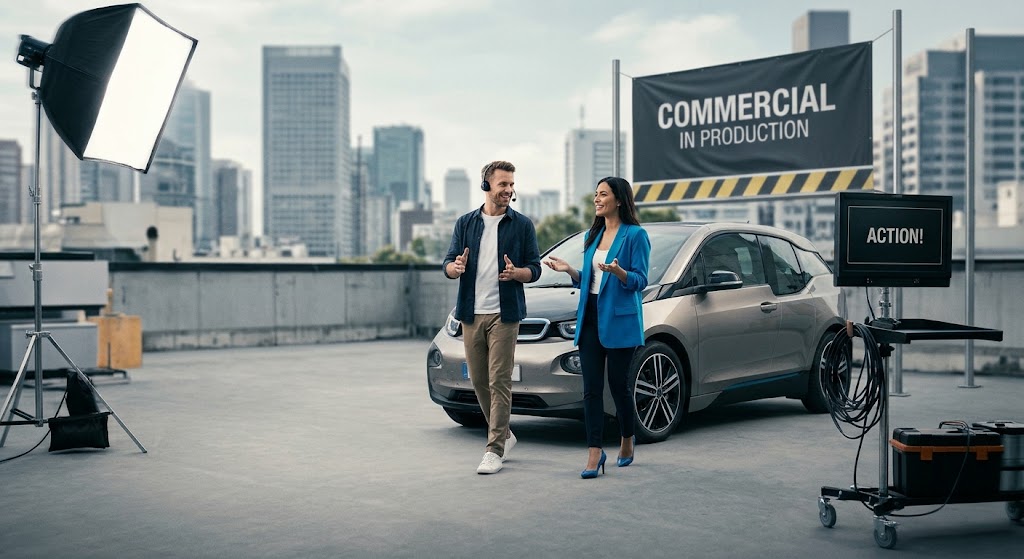
Production is the principal photography phase-the stage where core scenes and dialogue with actors are shot, B-roll is gathered, and on-location sound is captured. It is the physical execution phase of filmmaking where everything planned in pre production is realized.
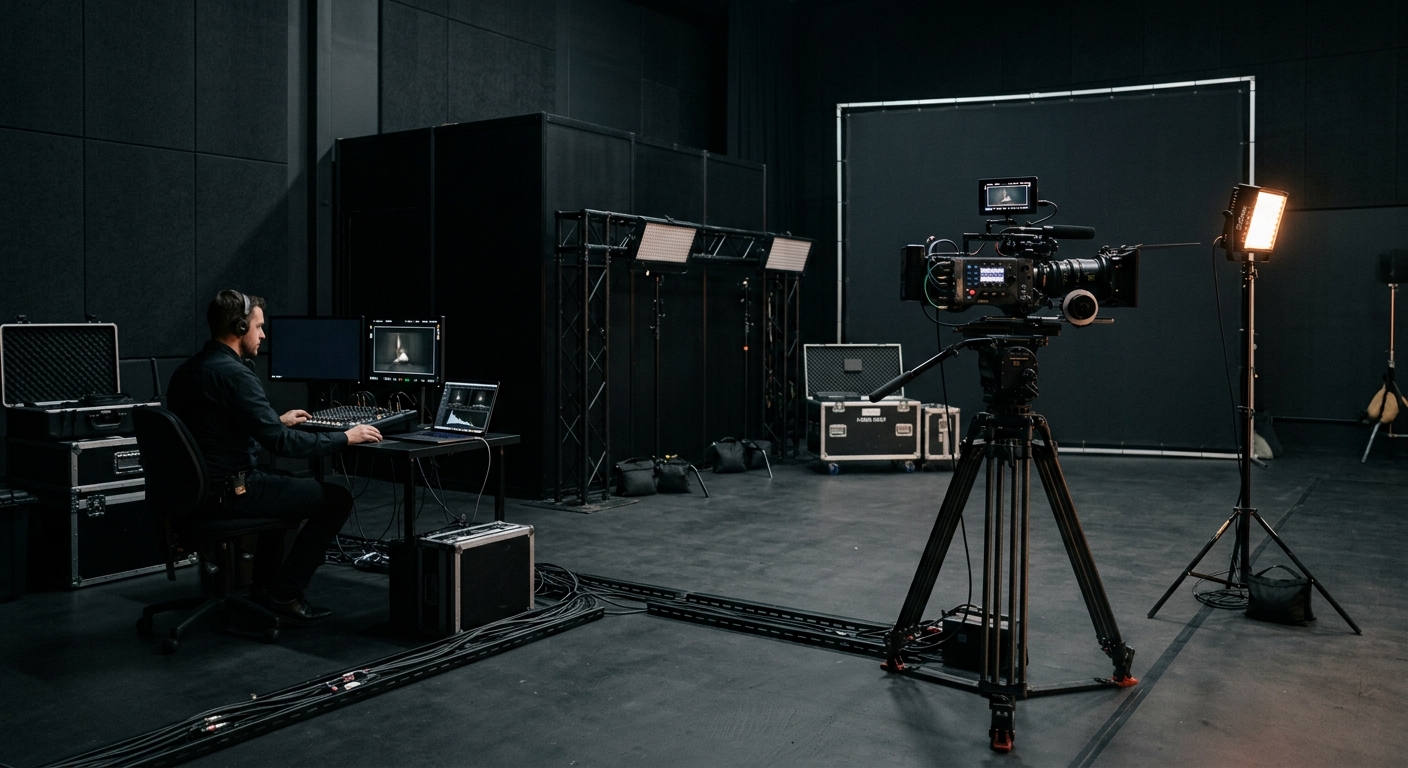
A typical commercial set includes a director, producer, director of photography (DP), camera and lighting teams, a sound mixer, gaffer, grip, and talent. Depending on the project, a drone operator, Digital Imaging Technician (DIT), and script supervisor may also be present. Production involves managing continuity and oversight of daily schedules to keep the project on track. Camera operation and lighting manage visual composition and setups for each shot-decisions that directly affect what the colorist and editor can do later.
Every choice on set-lighting contrast, camera movement, recording format, capturing room tone-is made knowing how it will be used in the edit and grade. Granite River Studios offers multi-cam coverage, aerial drone work, and both studio and on-location shoots, all coordinated to feed a structured post production workflow.
Post Production: Turning Footage into Finished Story
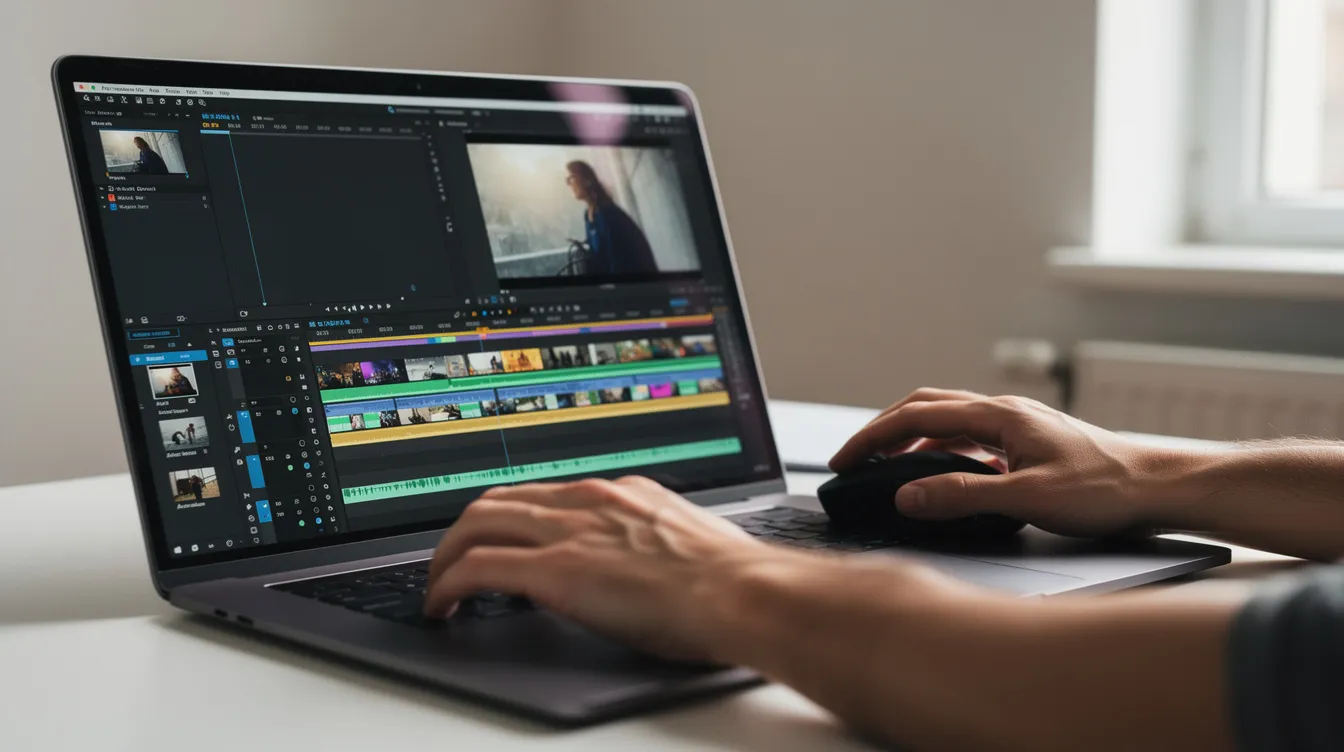
Post production is where all the footage becomes a finished story. Post-production involves editors, sound designers, and colorists working through parallel workflows-picture editing, sound editing, color grading, motion graphics, and mastering-often overlapping on a schedule managed by a producer or post supervisor.
Picture editing is the first step in post-production, and often the longest. It’s where brand stories are shaped: pacing is established, messaging emphasis is refined, and the emotional arc is locked. From there, sound design and mixing integrate dialogue adjustments and sound effects into audio tracks, color grading establishes the visual look of the finished film or movie, and motion graphics add clarity and brand presence.
Understanding how production feeds post helps teams plan smarter shoots and avoid surprises in budget or schedule. The sections below break down both phases in full detail.
Production in Detail: What Happens When You’re on Set
Good post production starts with disciplined on-set practices. The production stage is where the building blocks are laid-and shortcuts here create expensive problems downstream.
Planning for Post While on Set
The production team ensures footage is “post-friendly” through several critical practices:
-
Slate discipline: Every take is marked correctly with scene, take, and camera information so that editors can sync and organize efficiently. Script supervising tracks continuity to ensure seamless editing across takes and setups.
-
Coverage for graphics: When motion graphics, lower thirds, or titles will be added later, the team captures clean backgrounds and frames with extra safe space for text and animated overlays.
-
Data wrangling: Professional workflows include dual backups, checksum verification, and metadata logging for every card. Reliable storage and redundant copies protect assets before they reach editors. Mistakes in data management can cost hours in the editing process-or worse, require reshoots.
-
Performance tracking: The director and script supervisor review dailies to ensure technical quality and identify any missing shots, preventing expensive gaps that would be difficult to fix in post.
Dailies are reviewed to ensure technical quality and identify any missing shots. This daily review loop keeps the production team aligned with the editorial vision throughout the shoot.
Key Production Techniques That Impact the Edit
Shooting for the edit means capturing enough coverage to support flexible storytelling in post:
-
Coverage strategies: Wide, medium, and close-up shots plus cutaways and detail shots give editors options for pacing and emphasis. For brand work, this includes interview setups, product hero shots, B-roll for social cutdowns, and slow-motion footage for promos.
-
Camera movement: Locked-off shots convey stability and authority; handheld adds energy and intimacy; gimbal work delivers smooth, cinematic movement. Each style influences the tone of the edit and the type of transitions that work in post. For deeper insight, see how shot choice and composition shape viewer experience.
-
Sound capture: Recording room tone and wild lines gives sound editors clean material to work with. Proper boom and lavalier mic placement, a dedicated sound mixer, and capturing ambient sound are all vastly cheaper than attempting Automated Dialogue Replacement (ADR) later, where unusable dialogue must be re-recorded in a studio.
-
Lighting for the grade: On-set lighting decisions directly affect color grading in post. Mixed light sources (natural, tungsten, LED) create color balance challenges; shooting in log or flat profiles gives the colorist more latitude for creative grading later.
Production for Different Video Types
Production looks different depending on the video type, though all are planned with downstream post production requirements in mind:
-
TV commercials and OTT/CTV spots: Storyboard-driven, strictly timed, often with SAG or professional talent. Every shot is precisely planned to serve a 15s, 30s, or 60s edit. Delivery specs for CTV commercials are locked before the camera rolls.
-
Brand anthem and storytelling videos: Longer interview coverage, extensive B-roll across multiple locations, and narrative arc. Production spans multiple days; the editing process later shapes a cohesive story from abundant material.
-
Product launch demos: Macro shots, screen captures, controlled studio lighting, and UI walkthroughs. These projects are often heavy on motion graphics in post, requiring clean plates and precise framing on set.
-
Social media clips: Vertical formats, lighter crews, agile shot lists. Speed matters, but the footage still needs to feed platform-specific post production requirements for Instagram, TikTok, LinkedIn, and YouTube.
Once production wraps and all the footage is secured, everything moves into a structured post workflow.
Post Production in Detail: From Raw Footage to Final Deliverables
The post production phase is where strategic messaging, visuals, and sound combine into a cohesive asset library. High-quality post production work allows one production day to yield multiple deliverables-a broadcast spot, shorter cutdowns, teasers, social variants, and internal versions-maximizing the return on every shoot.
Ingesting, Organizing, and Preparing Media
Post production begins with transferring raw footage to post systems, creating project structures, syncing multi-cam footage with separate audio tracks (via timecode or waveform analysis), and backing up to secure, reliable storage.
Bin organization by shoot day, camera, scene, and content type (interviews, B-roll, drone footage, product shots) dramatically speeds editing. For 4K+ campaigns destined for OTT/CTV and web distribution, editors typically generate proxies for smooth editing while preserving high-resolution masters for the final output. This preparation stage may seem unglamorous, but thorough media management is foundational to an efficient post production process.
Picture Editing: Building the Narrative
The film editor creates the assembly cut from raw footage, and from there the editing process moves through well-defined stages:
-
Stringout / Selects: All usable takes are organized; interview soundbites are transcribed and tagged.
-
Rough cut: The rough cut is the first draft of the film-the structure, messaging hierarchy, and core narrative are established.
-
Fine cut: Timing, rhythm, and platform-specific pacing are refined. B-roll is intercutted to illustrate benefits; transitions are polished.
-
Picture lock: Picture lock indicates no further changes to the visual content. This milestone triggers the start of sound design, visual effects, and color grading.
Editing shapes the narrative by assembling and refining the footage. Editors choose soundbites aligned with key messages, design pacing appropriate to each platform (6s bumpers demand very different rhythm than 3-minute brand films), and structure the story to serve the audience. Editing software like Adobe Premiere is widely used for picture editing, alongside DaVinci Resolve and Avid Media Composer-though the tool matters less than the editor’s storytelling instincts.
The editing process can take six months to a year for films, but for commercial and branded video, timelines are compressed to weeks. At Granite River Studios, the collaborative editing process includes review exports, time-stamped feedback, and clearly defined revision rounds.
Sound Editing, Design, and Mixing
Sound editing includes dialogue editing and sound effects creation. Sound editors manage dialogue, sound effects, and music tracks-cleaning up recorded audio, removing unwanted noise, balancing levels between speakers, adding room tone to smooth cuts, and creating the sonic landscape that makes visuals feel real.
Core sound post tasks include:
-
Dialogue cleanup: EQ, de-essing, noise removal. When on-set audio is unusable, Automated Dialogue Replacement (ADR) re-records the dialogue in a controlled environment.
-
Sound design: For commercial work, this means whooshes, hits, product interaction sounds, and ambience layers. Foley artists recreate sound effects in post-production-footsteps, fabric rustling, object handling-to add texture that production microphones don’t capture.
-
Music: Custom composing an original score vs. licensing existing tracks. Music editing aligns cues to picture beats, and the composer or music supervisor ensures the emotional tone supports the brand message. Cue sheets document every music usage for licensing compliance.
-
Sound mixing: Sound mixing combines dialogue, music, and sound effects tracks into the final mix. For U.S. broadcast and OTT, the industry standard loudness target is –24 LKFS (±2 LU) with true-peak ceilings typically around –2 dBTP. Social and web platforms may target louder levels (around –14 LUFS for YouTube), but broadcast and OTT specs are strict. Sound editing can take up to three weeks to complete, and sound mixing can take up to three weeks to complete as well, depending on project complexity. Pro Tools remains the dominant platform for professional sound editing and mixing.
For social platforms that autoplay muted, the mix must work both with and without sound-making captions and strong visuals essential complements to the audio.
Color Correction and Grading
Color grading is divided into color correction and creative grading. Color correction balances exposure and establishes the final visual look of the project-fixing white balance, matching shots, and bringing log or RAW footage into display-ready color space (Rec. 709 for SDR, Rec. 2020 for HDR). Color correction comes first; creative grading follows.
Creative grading crafts a look that supports the brand and story-enhancing skin tones, making product colors pop, establishing mood through contrast and palette. The colorist executes the grade under the director of photography’s direction, using professional color grading tools to ensure consistency across every shot and scene.
Color grading follows the picture lock stage in post-production. It can be done before or after visual effects work, depending on the pipeline. Colorists adjust the visual tone and consistency of the film, and for campaigns that require it, they deliver multiple versions-HDR and SDR, variations optimized for mobile screens versus large displays.
In Granite River Studios’ pipeline, color is aligned with brand guidelines and any existing campaigns to maintain visual consistency across all video marketing channels.
Motion Graphics, Titles, and Animation
Motion graphics are standard in B2B and B2C marketing video: lower thirds for names and titles, animated logos, product callouts, UI walkthroughs, data visualizations, and clear CTAs for TV, OTT, and social.
Graphics support both clarity (highlighting a product feature or data point) and performance (driving viewer action). Some projects use hybrid live-action + animation-animated overlays, explainer sequences, or computer generated imagery elements that bring ideas to life, which requires coordination from script through post. Graphics must align with edit pacing and match the brand’s visual identity, which is why motion designers and editors collaborate closely throughout the post production phase.
Versioning, Mastering, and Delivery
One production often yields a substantial library of deliverables:
-
Length versions: 6s bumpers, 15s pre-rolls, 30s/60s spots, 2–3 minute brand films
-
Aspect ratio versions: 16:9 landscape for broadcast and web, 1:1 square for LinkedIn and Facebook feeds, 9:16 vertical for Instagram Reels, TikTok, and Stories
-
A/B variations: Different CTAs, product focuses, or messaging for performance testing
-
Platform-specific masters: Broadcast (1080i/59.94, MXF codecs), OTT/CTV (4K, HDR where needed, specific bitrate requirements), web (H.264/H.265), and social platforms each with distinct technical guidelines
Final export delivers files in required formats for various distribution platforms. Post-production includes preparing materials for distribution-and for projects with theatrical releases, creating a Digital Cinema Package is essential. An M&E track (music and effects without dialogue) is needed for international film sales, and distribution requires multiple audio tracks for different languages.
Accessibility deliverables include closed captions (.scc, .srt, .vtt), subtitled versions, and audio description tracks where required. Quality control checks the finished project for various technical specifications before anything leaves the studio. Mastering prepares the film for specific distribution standards, and Granite River Studios maintains archival masters for future updates, cutdowns, and localization.
Coordinating Production and Post Production for Better Outcomes
The strongest campaigns are planned as a single integrated pipeline from concept to final delivery. When the production team and post production team share a unified workflow, timelines compress, budgets stay predictable, and creative quality rises.
Workflow Planning and Timelines
Realistic timeline ranges for common project types:
|
Project Type |
Typical Timeline (Concept to Delivery) |
|---|---|
|
30-second TV spot with broadcast, OTT, and social cutdowns |
6–10 weeks |
|
Brand anthem video with interviews and B-roll |
4–8 weeks |
|
Multi-video brand campaign (anthem + product + testimonials) |
8–16 weeks |
|
Simple social content (one shoot day, light graphics) |
1–2 weeks |
For larger film production or a TV series, timelines can stretch to several months or over a year. Pre-production for commercial work typically runs 2–3 weeks; production often occupies one to a few shoot days; and the post production phase for commercials runs 2–4 weeks including revisions. Deliverables versioning (social cutdowns, multi-format exports) typically adds 3–5 business days in the final delivery stage.
Overlapping schedules are common: editing can begin while additional B-roll is still being shot; music and graphics may start once the core structure is approved. A clear approvals calendar-with dates for rough cut, fine cut, and picture lock reviews-prevents bottlenecks between production and post.
Roles and Responsibilities Across Both Phases
Several key roles involved span both production and post production:
-
Director/Creative Director: Maintains creative continuity from directing on set through the edit and grade
-
Producer/Post Supervisor: Owns schedule, budget, and communication with the client across both phases
-
DP and Colorist alignment: The visual look discussed on set must be achievable in the grade; sharing LUTs and reference images bridges the gap
-
Editor and Motion Designer collaboration: Timing cuts to match planned graphics ensures seamless integration
Granite River Studios keeps the same core team attached from planning through final delivery to protect brand consistency and reduce handoff friction. VFX supervisors oversee the integration of visual effects elements when a project demands them, coordinating between the production stage and the post production team.
Budgeting Across Production and Post
Decisions made during production directly influence post production time and cost. Smart budgeting considers both phases together:
-
Sound investment: Investing in good location sound capture (dedicated mixer, proper mic placement, room tone recording) is far cheaper than paying for extensive dialogue cleanup, ADR sessions, and foley work later.
-
Multi-format shooting: Capturing social-specific assets-vertical framings, additional cutaways, product close-ups-on the same production day saves future production days and stretches every dollar further.
-
Special effects planning: Heavy VFX concepts, complex locations, or multi-day shoots all inflate post production budgets. VFX work can be the longest phase in post-production; VFX artists work frame by frame to create effects, and the VFX team uses computer generated imagery (CGI) for elements like explosions, environmental enhancements, or product visualizations. Visual effects (VFX) are added after picture lock, so scope must be defined early.
Clients should ask for a combined production + post budget with transparent line items rather than treating them as separate projects. For guidance on what to ask before committing, see these essential questions for evaluating a video production team.
Common Challenges in Production and Post Production (and How to Avoid Them)
Many delays and budget overruns trace back to misalignment between on-set decisions and post expectations. These issues are preventable with planning, clear communication, and professional discipline.
Problem 1: “Fix It in Post” Mentality
Relying on post to solve preventable on-set issues-bad audio, missed coverage, inconsistent lighting-increases costs and limits quality. Fixing poorly recorded dialogue through ADR, reconstructing missing shots through VFX or reshoots, or correcting severe exposure problems all consume time and budget that could have been spent on creative refinement.
Solution: Get it right in-camera and on-mic. Production teams should run audio checks before every setup, verify exposure with scopes, and confirm coverage against the shot list before wrapping each scene. A quick on-set checklist prevents hours of post production work.
Problem 2: Disorganized Media and Missing Assets
Lost memory cards, unnamed files, and unlogged footage slow the editing process dramatically. In worst cases, disorganized media leads to compromised storytelling or expensive reshoots.
Solution: Professional workflows include robust data wrangling protocols-consistent file naming conventions, detailed shot logs, checksum-verified backups to redundant drives, and metadata tagging by scene, take, and camera. An edit decision list and organized project structure ensure nothing gets lost between set and suite.
Problem 3: Scope Creep in Post Production
Scope creep in the post production process looks like repeated edit overhauls, new deliverables added after picture lock, or major story changes deep into the fine cut. Each change cascades through sound, color, graphics, and versioning.
Solution: Clear creative alignment in pre production, milestone approvals (rough cut, fine cut, picture lock), and defined revision rounds in contracts. When everyone agrees on the story before the edit begins, the post production phase stays on schedule.
Problem 4: Platform Requirements Overlooked Until the End
Assets shot only in 16:9 landscape that later need vertical or square formats create painful reframing problems-or require reshoots. Similarly, overlooking loudness standards for television post production and OTT until delivery can mean costly remix sessions. Advertising includes creating posters and trailers for the film, and each deliverable carries its own spec requirements.
Solution: Plan aspect ratios, platform specs, and delivery formats during pre production. Shoot with extra headroom and clean space for cropping and graphics. Maintain a delivery spec sheet that lists every platform’s codec, resolution, frame rate, loudness, and captioning requirements from day one.
Conclusion and Next Steps
Production and post production are two halves of a single filmmaking process. When they are planned together-with shared creative vision, coordinated technical specs, and a unified team-brands get better stories, more deliverables from each shoot, and smoother timelines. The line between what happens on set and what happens in the edit suite is not a wall; it’s a bridge.
Here are actionable next steps for your next project:
-
Define your primary deliverables and channels (TV, OTT/CTV, web, social) before you brief a production company
-
Insist on a combined production + post production plan with a single integrated schedule and budget
-
Ask potential partners how they handle backup, versioning, and multi-platform delivery
-
Prepare internal stakeholders for approval milestones: script, storyboard, rough cut, fine cut, picture lock
-
Build repurposing into the plan so that one shoot day yields a complete content ecosystem across every channel
Granite River Studios works with marketing leaders and agencies across Greater Boston and Southern New Hampshire, managing the complete pipeline from concept through video production and post production to final delivery. If you’re planning a campaign, reach out to schedule a call or studio visit-we’ll help you map the full process before a single frame is shot.
Additional Resources and FAQs
Below are concise answers to questions that marketing and communications teams commonly ask about production and post production.
How long do production and post production usually take?
Timelines depend on scope:
-
Simple social content shot in a day with light graphics: about 1–2 weeks including post
-
A 30-second regional TV spot with multiple deliverables: roughly 6–10 weeks from concept through post
-
A multi-video brand campaign (anthem + product + testimonials): often 8–16 weeks depending on scope
-
Feature films and large-scale projects: Post-production can take six months to over a year; picture editing is the first and longest phase of post-production, and the editing process can take six months to a year for films
When should we involve the post production team in planning?
Editors, colorists, and motion designers should be consulted during pre production on formats, graphics requirements, delivery specs, and schedules. The earlier the post production team is involved, the more efficiently production can capture exactly what’s needed. At Granite River Studios, post specialists are part of the earliest concept discussions on larger campaigns.
What’s the difference between editing and post production?
Film editing is one major component of the post production process, focused on arranging picture and sound into a coherent story. Post production also includes:
-
Sound design, sound editing, and sound mixing
-
Music editing and original score composition
-
Color correction and color grading
-
Motion graphics, titles, and animation
-
Visual effects and computer generated imagery
-
Mastering and final export for various distribution platforms
How many video versions can we get from one production?
From a single shoot, you can often create a hero video, shorter cutdowns (6s, 15s, 30s), channel-specific versions (landscape, square, vertical), teasers, internal communications edits, and even stills or animated snippets. The concept of a “content ecosystem” means planning repurposing strategies with your production partner before the shoot to maximize ROI across every marketing channel.
How does Granite River Studios support both production and post?
Granite River Studios offers an integrated production process: creative development, scriptwriting, on-location and studio production, drone work, editing, motion graphics, color grading, sound mixing, and delivery for broadcast, OTT/CTV, web, and social. The same team guides your project from script through complete delivery, ensuring creative consistency and technical precision at every point. Reach out with a project brief or campaign idea-the team can advise on both production and post strategy for your next video.