Video Promo: How to Plan, Create, and Share High‑Impact Promotional Videos
A solid video promo can do more in 30 seconds than a whole page of copy. Whether you want to sell tickets, launch a new product, or just get people to visit your site, a well-crafted promotional video cuts through the scroll and gets viewers to act. This guide is for marketers, business owners, and creators looking to boost engagement and conversions with high-impact promotional videos. This article walks you through planning, building, editing, and publishing promo videos that actually convert – step by step.
Key Takeaways
-
A promo video is a short, focused piece (15–120 seconds) built to drive one clear action: buy, sign up, visit, download, or join.
-
You can create a promo video in a few hours using promo video templates, basic video editing, and footage you already have – no film crew required.
-
A clear goal, tight script, and strong call to action are the backbone of every effective promotional video.
-
Promo videos should be resized and repurposed for multiple social channels like Instagram, YouTube, TikTok, and email to maximize ROI.
-
This article covers planning, choosing video templates, how to edit and add text and music, and publishing across platforms.
What Is a Promo Video?
A promo video is a 15–120 second marketing video used to promote a product, service, event, or brand. Think “Black Friday sale teaser” or “2026 product launch trailer.” Unlike a tutorial or webinar, a promo is specifically designed to introduce a company or product to customers, aiming to give the audience a feel for the brand and its values.
Common styles include voice-over plus product shots, text-only promos with bold fonts and music, and social-first vertical short video formats for Reels or TikTok. Another common format is an explainer video, which uses a script, visuals, and storytelling to explain one key idea fast. The key? One promise per video. “Save 40% this weekend.” “Book your free demo today.” That’s it – no full company story, just one punchy message that grabs attention and drives action.
Why Promo Videos Work So Well in 2026
Here’s the deal: 91% of businesses now use video as a marketing tool, and short-form video generates about 2.5× more engagement per impression than other content types. People watch an average of 17 hours of online video per week. Your audience is already watching – the question is whether they’re watching your stuff.
Promotional videos can significantly increase customer engagement by providing dynamic content that captures attention more effectively than traditional text-based marketing, often generating substantially more engagement than static images on social feeds. Video lets you show a product in real context – unboxing, before-and-after, quick demo – which builds trust faster than text alone. Using promotional videos helps businesses communicate key messages and brand stories, which enhances customer trust and loyalty. Plus, social media platforms increasingly prioritize video in feeds, so posting a good video consistently improves organic reach over time.
Types of Promotional Videos You Can Create
Picking the right type depends on your campaign goal. Here’s a quick breakdown:
|
Type |
Best For |
Typical Length |
|---|---|---|
|
Product launch |
Awareness, buzz for a new product |
20–60 sec |
|
Sale/discount |
Urgency, Black Friday, flash sales |
15–30 sec |
|
Event/webinar |
Signups, registrations |
30–90 sec |
|
App/software feature |
Reducing buyer uncertainty |
30–60 sec |
|
Social proof/testimonial |
Trust, credibility |
15–45 sec |
|
Explainer video |
Explaining a product, service, or process |
30–90 sec |
How to Plan a Promo Video That Actually Converts
Strong planning makes the rest of the video promo process faster and cheaper. To create an effective promo video, it is important to understand your goal and craft a storyboard that resonates with your audience, using emotion or humor to connect.
-
Define one measurable goal. “Get 500 email signups for our October 2026 launch list” or “sell 200 tickets to our September 10 event.”
-
Build a simple target audience profile. Age, location, main problem, preferred platform. Gen Z on TikTok? B2B buyers on LinkedIn?
-
Craft a one-sentence core message. “Save time on invoicing with automated billing.” Every scene points here.
-
Write a script. 60–120 words for a 30–60 second video project. Prioritize benefits and a strong call to action over long explanations.
-
Storyboard 6–10 scenes – sketched on paper or a simple slide deck. Map visuals to key script beats. Speed matters here; don’t over-plan.
Step‑by‑Step: How to Make a Promo Video
Here’s the fun part. Let’s actually build this thing.
-
Pick a template. Choose from promo video templates that match your goal and format – 1080×1920 vertical for Instagram Stories, 1920×1080 landscape for YouTube ads. Many video creation platforms offer templates that users can customize for different types of promotional videos, such as campaigns or ads.
-
Gather brand assets. Product photos, images, short b-roll video clips, your logo (PNG/SVG), color codes, and any existing footage.
-
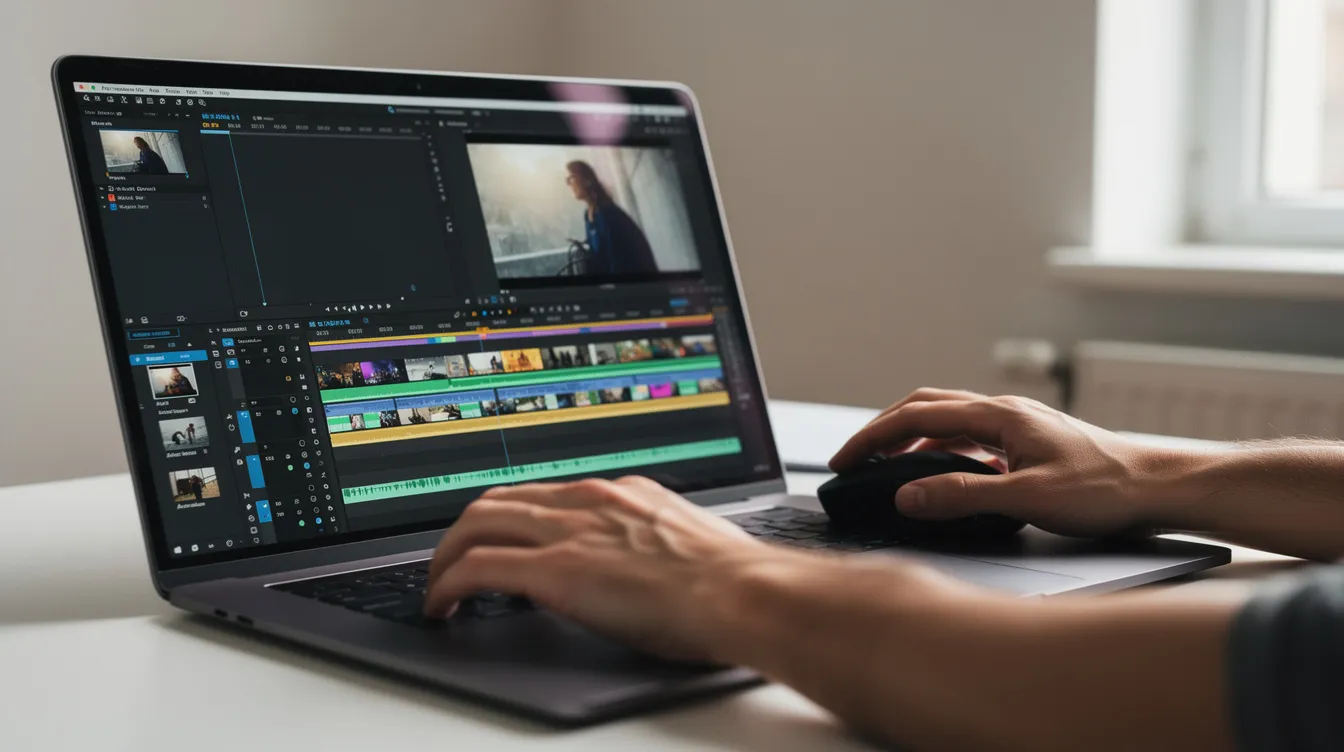
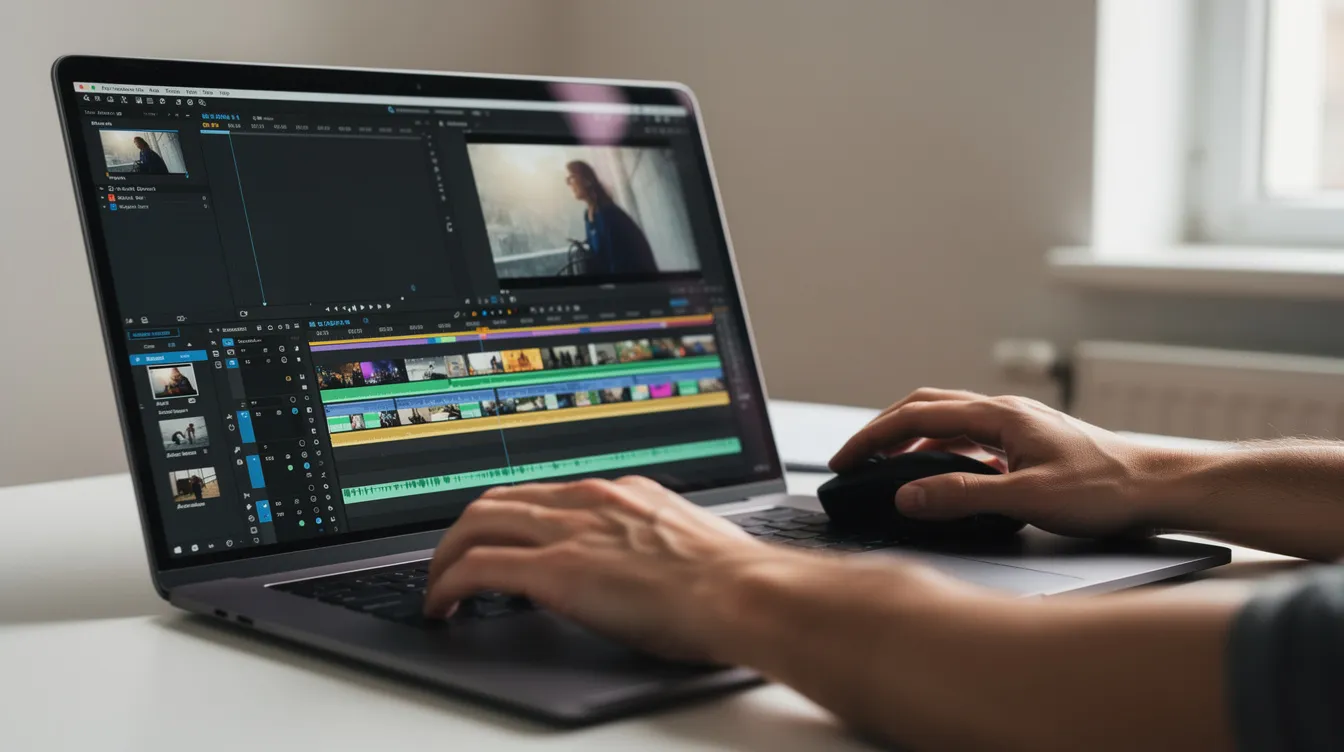
Import everything. Upload footage from a computer or mobile device, then arrange scenes on the timeline following your storyboard. A built-in video editor lets you assemble clips, add text or graphics, and polish the promo in one place.
-
Trim ruthlessly. Cut silences, shaky segments, repetition. Every second should add value. Use stock footage when you lack custom film – especially for abstract concepts like “productivity” or “innovation.”
Essential Video Editing: Add Text, Graphics, and Music
This is where rough footage becomes a polished promo. When creating a promo video, it is essential to keep it short and engaging, utilizing bold text and animated text to enhance visual appeal.
-
Add text overlays for your offer, date, discount, and CTA (“Shop now,” “Register today,” “Download the app”). Use 1–2 brand fonts consistently.
-
Add music. Pick a copyright-safe track matching the mood – energetic for sales, inspiring for launches. Lower audio volume under any voice-over.
-
Use colorful graphics like arrows, icons, and branded lower-thirds to emphasize deadlines or features. Keep animation simple: fade, slide, typewriter.
-
Add captions. Many viewers on Facebook and LinkedIn watch on mute. Subtitles ensure your message lands either way.
Using engaging visuals and concise messaging in promotional videos can significantly increase viewer retention and influence purchasing decisions.
Optimizing Formats: Resize and Adapt for Multiple Channels
Don’t re-edit from scratch for every platform. Video creation tools typically allow users to resize videos to fit the recommended ratios for various social media channels, ensuring optimal display.
-
9:16 (1080×1920): TikTok, Reels, Stories
-
1:1 (1080×1080): Some Instagram and Facebook feed posts
-
16:9 (1920×1080): YouTube, websites, presentations
Most promo video maker tools let you duplicate the same project, change canvas size, and auto-reposition elements. Customize the first few seconds per channel – bold headline for LinkedIn, eye-catching motion for TikTok – while keeping the core message identical. Export as MP4 (H.264) at 1080p for universal compatibility. You can share directly to each platform or download for later use.
Examples of Effective Promo Videos (and What to Learn from Them)
Let’s look at what actually works in the wild – creative approaches you can replicate today, including inventive campaigns that turn something as simple as a holiday greeting into an interactive, story-driven video experience.
E-commerce holiday sale: Fast cuts, massive “40% OFF” text, countdown graphics, upbeat music. The hook lands in the first few seconds. Takeaway: urgency plus visual boldness drives clicks.
SaaS feature launch: Split-screen showing “old workflow vs. new workflow,” proving time savings in under 45 seconds. Takeaway: show the benefit, don’t just describe it.
September 2026 online summit: Speaker headshots, short quotes, animated date/time overlay, registration link on the final frame. Takeaway: clarity of when, what, and why to join.
User-generated testimonial mashup: Customer selfie videos with text overlays summarizing quotes and recognizable client logos. Takeaway: authenticity beats polish. Real customers on camera build trust fast.
Where to Use Your Promo Videos for Maximum Impact
Promotional videos can be shared across various platforms including social media, websites, blogs, and email marketing to maximize reach, and choosing the right mix of marketing channels to place your videos is crucial. A single video promo can work across many touchpoints:
-
Social platforms: Post on YouTube, Instagram, TikTok, Facebook, LinkedIn – Reels for discovery, YouTube pre-roll for awareness.
-
Web and landing pages: Embed on product pages, pricing pages, and event pages – video lifts landing page conversions by roughly 34%.
-
Email campaigns: An animated thumbnail linking to a hosted video. Email with video sees ~19% higher open rates.
-
In-person events: Loop your promo on a screen at trade shows or pop-up booths to catch foot traffic.
-
Ads: Run as paid ads across platforms to promote your offer to a wider audience.
Track views, watch time, click-through, and conversions. Use that data to refine your next video project.
Frequently Asked Questions
FAQ
How long should a promo video be?
Most promo videos perform best between 15 and 60 seconds. Social ads hit hardest at 15–30 seconds, while event promos can stretch to 90 seconds. Videos under 30 seconds see roughly 85% completion rates, so shorter usually means sharper.
Do I need professional filming equipment to create a promotional video?
Nope. A modern smartphone or computer, natural light, and a simple tripod handle most promo videos just fine. Mix your own footage with stock footage and graphics inside a free promo video maker or online editor to get a professional look without a studio setup.
What ratio and size should I use for my promo videos?
Use 1080×1920 (9:16) for TikTok, Reels, and Stories. Use 1080×1080 (1:1) for some feed posts. Use 1920×1080 (16:9) for YouTube, websites, and presentations. Start with a high-resolution master so you can resize without losing quality on any device.
How many promo videos should I make for one campaign?
Create at least 2–3 variations: one focused on the offer, one on social proof, one on urgency or deadline. Running variations in parallel lets you quickly see which hook and creative win, then scale the best performer.
Can I reuse an old promo video for a new campaign?
Absolutely – update dates, prices, product shots, and CTA text while keeping the core structure. Just review any reused promotional video for outdated branding, expired offers, or old UI screenshots before you post it in 2026 campaigns. Refreshing beats rebuilding from scratch.