In 2025, video production doesn’t end when the cameras stop rolling. The truth is, post production is where campaigns, TV spots, testimonial videos, and social content either come together into something memorable—or fall apart into forgettable noise. This phase of the production process has always been where raw footage transforms into polished video content, but the tools available today have fundamentally changed what’s possible and how quickly it can happen. Among these advancements, ai powered tools have become a major driver of this transformation, automating technical tasks and enabling new creative workflows.
This article is intended for marketing leaders, video producers, and brand managers seeking to understand how AI is transforming post production workflows and what it means for their video content strategies.
AI has dramatically sped up many tasks that once consumed days or weeks of editing time. Automated transcription, intelligent scene detection, AI-powered color matching, and generative fill are now standard capabilities in professional editing software. AI’s role in post production now extends beyond efficiency, shaping both the speed and creative possibilities of modern video editing, while also sparking important conversations about creativity and industry standards. Yet here’s what hasn’t changed: the quality of the original shoot—lighting, framing, audio capture, and performances—still sets the ceiling for the final result. No amount of artificial intelligence can fabricate details that were never captured or rescue footage that was fundamentally compromised on set.
At Granite River Studios, our Boston– and Southern New Hampshire–based team blends traditional craft with AI-enhanced post production workflows for broadcast, OTT/CTV, web, and social video. We’ve invested heavily in mastering tools like DaVinci Resolve, Adobe Premiere Pro, and After Effects because we understand that these powerful ai tools are only as good as the video editors and colorists operating them. This article will walk you through how post production has evolved, which AI features are genuinely useful, and why professional execution still matters more than ever.
From Tape Splicing to AI Workflows: How the Post Production Workflow Has Evolved
AI in post-production refers to the use of artificial intelligence technologies to automate and enhance various stages of the video editing process. Key applications of AI in post-production include automated editing, intelligent audio repair, advanced visual effects (VFX), and color correction.
The journey from linear tape editing to today’s AI-assisted suites spans roughly four decades of continuous innovation. In the 1980s, video editing meant physically cutting tape or using expensive linear edit bays where any change to an earlier section required re-recording everything that followed. The introduction of Avid Media Composer in the late 1980s and Final Cut Pro in the late 1990s brought nonlinear editing to professional workflows, allowing editors to work on any part of a timeline without destructive consequences.
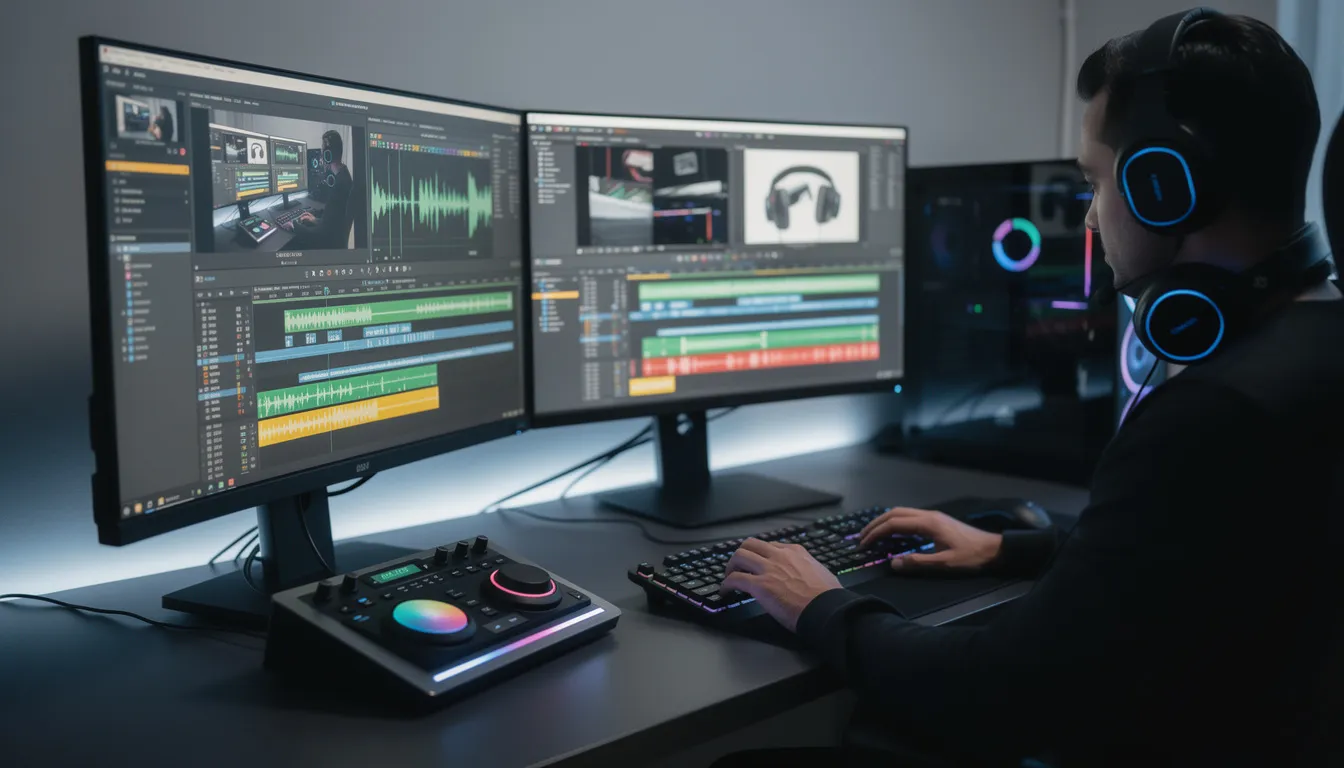
By the 2000s, software like Adobe Premiere and DaVinci Resolve had democratized access to professional-grade editing and color correction. A skilled editor with a capable computer could produce broadcast-quality work outside of major post houses. But even then, the process remained labor-intensive. Logging hours of interviews, manually tagging selects, and synchronizing multi-camera footage consumed significant portions of every video project.
Today’s landscape looks dramatically different. DaVinci Resolve Studio 19, Adobe Premiere Pro 2024, and Final Cut Pro with third-party AI integrations offer capabilities that would have seemed impossible a decade ago. AI powered tools have become central to automating technical tasks like color grading, correction, and editing, significantly improving efficiency and reducing editing time in video post production. A task that once took a Boston editor a full day in 2010—like manually logging and tagging thirty minutes of interviews—can now be automated in minutes with AI scene and transcript analysis. The creative process moves faster, and video creators can focus more energy on storytelling rather than tedious technical prep.
What’s particularly striking is how AI has changed who can do what within a post production workflow. Assistant editors can now handle tasks that previously required senior-level experience. Colorists can process initial passes on hundreds of shots in the time it once took to grade a dozen. Producers can review multiple cut variations without waiting days for each version. The entire production timeline has compressed.
Yet for all this acceleration, high-end brand work still depends on decisions that haven’t changed: which story beats to emphasize, how to pace a sixty-second TV spot for maximum emotional impact, when a cut should feel invisible versus intentional. These remain human judgments rooted in storytelling instincts, cultural awareness, and creative taste. AI has made the mechanical aspects of video editing faster and more accessible, but it hasn’t replaced the need for skilled operators who understand what makes video content genuinely compelling.
The Foundation: Why Capture Quality Still Matters in an AI World
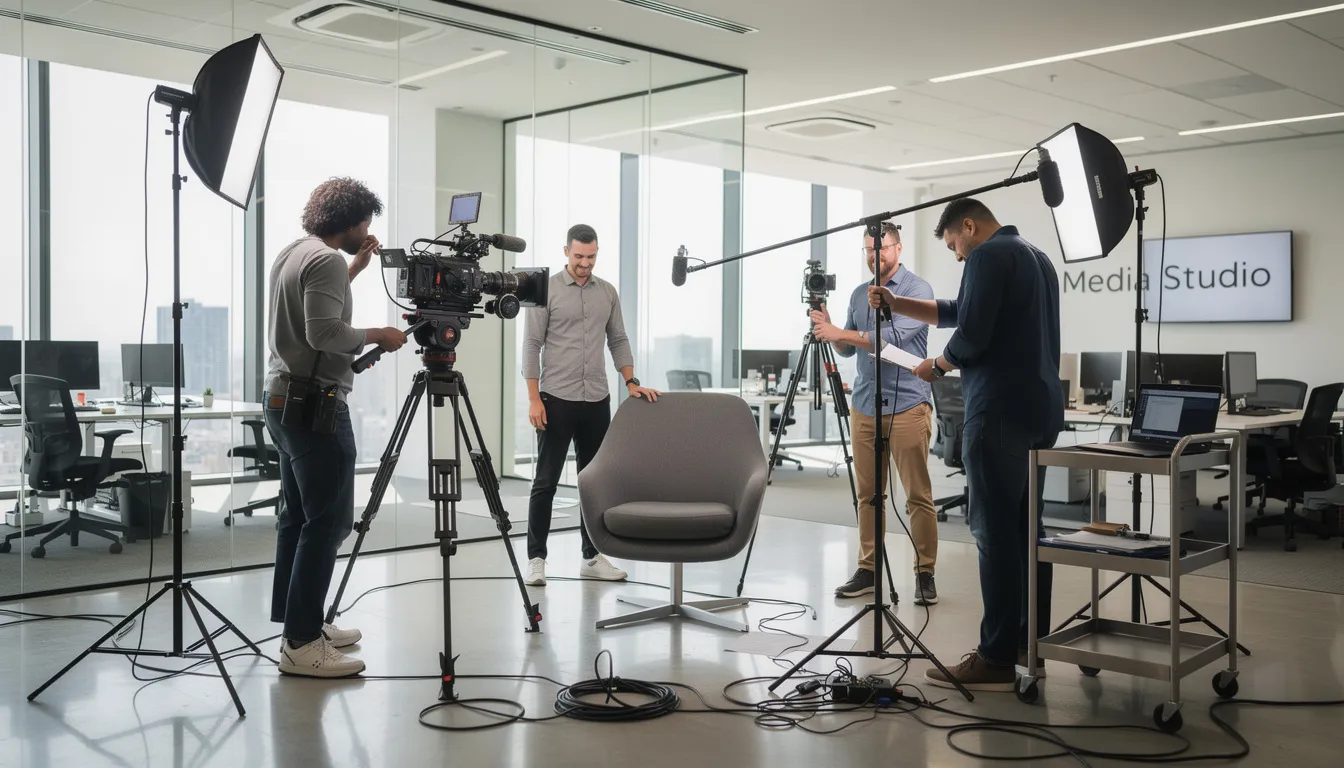
Let’s address a common misconception: AI is not a magic fix for poor cinematography, bad lighting, or distorted audio. Modern ai tools can polish and augment footage in remarkable ways, but they cannot fully rescue fundamentally flawed raw footage. The post production process amplifies what’s already there—which means starting with strong capture is essential.
Consider the difference between two common scenarios. In the first, a product launch film is shot on a professional cinema camera, capturing RAW files with fourteen stops of dynamic range, properly exposed with professional lighting, and recorded with dual-system sound from lavaliers and a boom. In post, the colorist has enormous latitude. AI-powered denoisers can clean up any subtle grain without artifacts. Color matching across multiple setups takes minutes. The final edit looks cinematic because the source material supports it.
In the second scenario, a testimonial video is captured on a consumer camera in a dim conference room at ISO 6400, with audio recorded through the camera’s built-in microphone near an HVAC vent. The footage is noisy, the highlights are clipped from the window behind the subject, and the audio has a persistent low-frequency rumble. AI denoisers in DaVinci Resolve or Topaz can reduce the noise, but doing so introduces smoothing artifacts that make skin look waxy. The audio cleanup removes the rumble but also strips some of the natural warmth from the speaker’s voice. The result is watchable but never premium.
At Granite River Studios, we plan for post production during pre-production and on set. This means shooting in log or RAW formats when possible, using proper color charts for consistent grading, deploying dual-system sound with backup recordings, and positioning multiple cameras to ensure coverage. These aren’t luxuries—they’re the foundation that gives ai capabilities maximum latitude during the post production workflow.
AI-driven upscalers, denoisers, and color match tools in DaVinci Resolve can improve images significantly. But they can also introduce an “overprocessed” look when pushed too hard on weak source material. The technology is impressive, but it works best when supporting footage that was captured with professional care. Quality control starts on set, not in the edit bay.
AI in the Edit: Faster Assembly, Smarter Storytelling
Editorial is where video content takes shape. This is where narrative structure, pacing, and emotional arc are crafted—whether for TV ads, brand anthem videos, corporate communications, or social campaigns. The edit room is where hours of raw footage become a focused story.
Modern editing software now includes AI-assisted features that have transformed the early stages of the editing process:
-
Text-based editing and automatic transcription: Both Adobe Premiere Pro and DaVinci Resolve now offer AI transcription that converts spoken dialogue to searchable, editable text. Editors can find specific phrases across hours of interviews in seconds, then assemble selects by highlighting transcript passages rather than scrubbing through timelines.
-
AI-powered scene detection: When ingesting long-form content—corporate town halls, event recaps, multi-camera interviews—AI can automatically identify cuts, transitions, and scene changes. What once required manual logging now happens automatically, with the software generating markers or even rough timelines.
-
Smart reframing for aspect ratios: Social media videos increasingly require vertical (9:16) or square (1:1) versions alongside traditional 16:9 masters. AI-powered reframing tools analyze each shot for subject position and movement, automatically adjusting the crop to keep the key action centered.
-
Automatic rough cuts: For documentary-style content and long interviews, AI can now suggest initial assemblies based on transcription analysis, identifying potentially strong soundbites and emotional peaks.
For Granite River Studios, these ai features handle logging, first-pass selections, and alternative versions. But lead video editors still make all final decisions on structure, timing, and performance selects. The creative judgment about which moment captures a speaker’s authenticity, or which transition best serves the narrative flow, remains firmly in human hands. The importance of picture lock comes at this stage—once the edit is finalized and reaches picture lock, no further changes are made, ensuring the project is ready for rendering or distribution.
AI also enables rapid generation of alternative cuts for A/B testing. Need a 15-second pre-roll alongside a 30-second version? Want different opening hooks for LinkedIn versus TikTok? These variations can now be produced efficiently, with AI handling the mechanical adjustments while creative strategy remains human-led. The result is faster speed-to-market and more opportunities to optimize messaging across platforms.
Object Removal, Generative Fill, and Seamless Transitions
One of the most practically useful advances in ai video production involves removing unwanted elements and filling gaps seamlessly. Adobe Firefly integration in Premiere Pro and After Effects, along with DaVinci Resolve’s Magic Mask and object removal tools, have made fixes possible that once required expensive visual effects work.
These capabilities serve specific, practical needs in professional video production:
-
Removing distractions: Stray logos on clothing, visible microphone packs, crew reflections in glass, exit signs in otherwise clean frames—all can now be painted out with AI-assisted tools that understand the surrounding context and generate plausible replacement pixels.
-
Extending plates and backgrounds: When an edit requires a shot to be slightly longer, or when a camera move needs more headroom, generative ai tools can extend backgrounds believably. This is particularly useful for creating clean transitions between scenes.
-
Patching continuity issues: Multi-camera interviews and on-location shoots inevitably produce continuity challenges. AI-powered solutions can help match lighting between angles or remove elements that appeared in one take but not another.
AI-assisted transition tools have also matured significantly. Morph cuts that once looked obviously artificial now produce invisible edits, particularly valuable in testimonial and executive interview content where preserving natural speech flow matters. Optical flow and AI-powered motion interpolation can smooth camera movements or create subtle speed ramps that feel organic rather than processed.
At Granite River Studios, we use these features surgically—not as gimmicks, but as problem-solvers. The goal is always natural, unnoticeable fixes that preserve authenticity. A skilled operator knows when AI removal will work seamlessly and when it will introduce artifacts that draw more attention than the original problem. The tools capable of these fixes require experienced judgment about when and how to deploy them.
Automated Transcription, Subtitles, and Localization
Accessibility and global reach have become non-negotiable for most brands. Built-in AI transcription in Premiere Pro, DaVinci Resolve, and cloud-based platforms now generates multi-language captions in minutes rather than days. For training videos, corporate communications, social campaigns, and regulated industries like healthcare and financial services, this represents a significant workflow improvement.
The practical benefits are substantial. A thirty-minute training video that once required external transcription services and days of turnaround can now have accurate captions generated during the editing session itself. Short videos for social media can include burned-in subtitles that improve engagement and accessibility without adding production timelines.
Granite River Studios still performs human review for all client-facing captioning. AI transcription excels at general speech recognition but struggles with technical terminology, proper nouns, brand names, and specialized vocabulary common in B2B content. Our editors review AI drafts and correct errors, ensuring that a Boston-based healthcare client’s English and Spanish captions accurately reflect medical terminology and brand guidelines.
The frontier is expanding into full localization. AI-assisted translation and ai dubbing tools now provide first-pass versions that dramatically speed the process of creating multi language support deliverables. But native-language professionals remain essential for nuance, cultural context, and brand voice consistency. The technology handles the mechanical lifting; humans ensure the message lands correctly with each audience.
AI-Enhanced Color Grading: DaVinci Resolve and Beyond
Color grading is where video content acquires its emotional signature. The warm, inviting tones of a New England outdoor brand look nothing like the cool, clinical precision appropriate for a biotech investor film or the energetic saturation suited to a higher-ed recruitment video. These choices are deeply connected to brand identity and audience psychology.
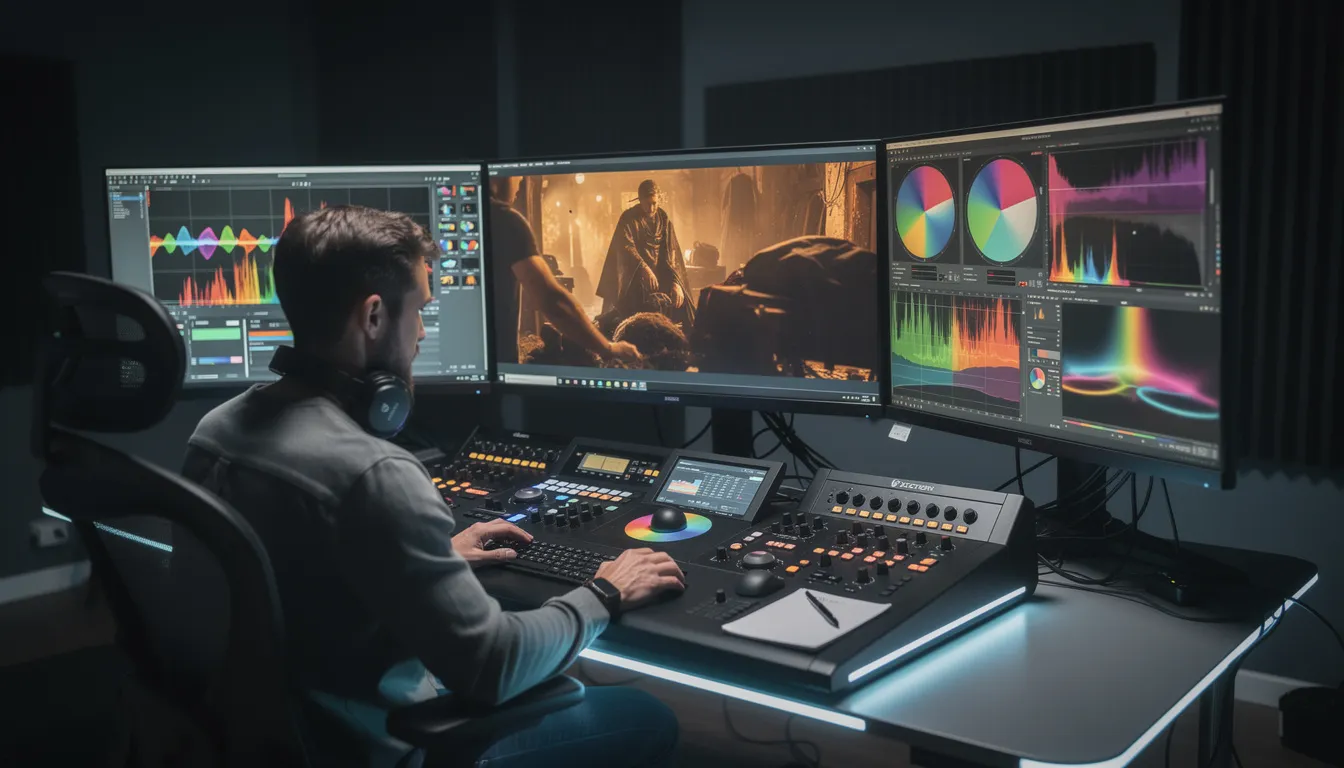
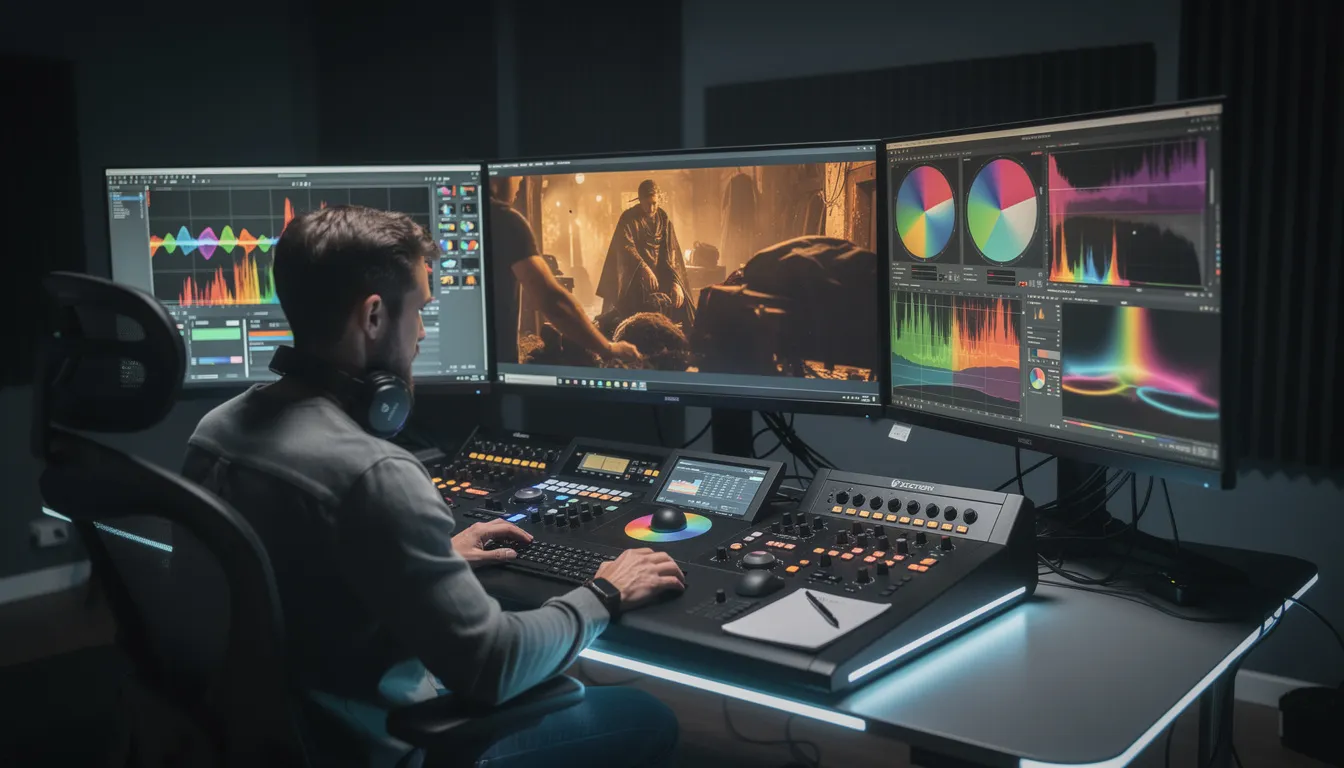
DaVinci Resolve Studio serves as Granite River Studios’ primary grading environment, and its AI features have meaningfully accelerated our workflows:
-
Magic Mask and Face Refinement: AI-powered masking now isolates subjects—particularly faces and skin tones—with remarkable accuracy. What once required rotoscoping by hand or crude power windows now happens in seconds, allowing colorists to apply different treatments to foreground subjects and backgrounds with precision.
-
AI-powered color matching: When matching footage to reference stills from previous campaigns or ensuring visual consistency across a multi-video series, AI can analyze color data and suggest starting points that would have required extensive manual sampling before.
-
Shot matching across coverage: Multi-cam shoots, multi-day productions, and projects with footage from multiple locations inevitably produce inconsistencies in exposure, white balance, and contrast. AI-assisted shot matching normalizes this technical baseline quickly, establishing consistency that the colorist then refines.
The key insight is that AI speeds the technical foundation—matching exposure, correcting white balance drift, establishing consistent contrast—which frees the colorist to focus entirely on creative decisions. What color palette best serves this brand? How should the image feel in the hero shot versus the supporting B-roll? Where should the eye be drawn within each frame?
However, if footage was poorly lit or incorrectly exposed during the original shoot, AI cannot fully restore cinematic quality. An underexposed image pushed three stops in post will show noise and banding regardless of how sophisticated the software. Overexposed highlights that clipped during capture cannot be recovered. Good gaffing and camera work remain essential preconditions for exceptional color grading.
Look Development, Visual Consistency, and AI “Smart Presets”
For brands producing ongoing video content—social series, campaign anthologies, OTT placements alongside broadcast spots—visual consistency across deliverables is essential. AI now enables creation and efficient reuse of sophisticated look presets tuned to specific brand identities.
Consider a regional bank requiring video content across TV, social, and internal communications. AI allows the creation of a “warm, welcoming” PowerGrade that captures the brand’s visual identity, then rapid application of that look across dozens or hundreds of video clips. The colorist establishes the master treatment, and AI assists in propagating it consistently while allowing per-shot refinements.
This workflow serves multi-video campaigns particularly well. When a brand launches product videos, testimonials, and social cutdowns simultaneously, ensuring visual consistency used to require significant manual effort. AI-assisted workflows compress this dramatically while maintaining the quality control that brand guidelines demand.
The risk lies in leaning too heavily on generic AI looks or pre-packaged LUTs. Content graded with off-the-shelf treatments tends to feel interchangeable—visually competent but lacking distinctive character. Granite River Studios builds custom treatments per client, using AI to accelerate application but human colorists to design and refine what makes each brand’s visual identity unique.
The practical flow starts with AI-assisted matches to establish technical consistency, then moves into manual curves, windows, and selective shaping to finish each image. AI handles the baseline; human expertise delivers the signature.
AI in Audio Post: Dialogue, Music, and Mix
Audio often receives less attention than picture, but poor sound design can undermine even the most visually stunning video production. AI has transformed audio cleanup and enhancement in ways that meaningfully improve final deliverables. For a short film, audio post-production techniques—such as custom sound effects and ambient sounds—are especially important for enhancing visual storytelling and immersing viewers in the narrative:
-
Noise reduction and dialogue isolation: Tools like iZotope RX and DaVinci Resolve’s Fairlight audio suite now include AI-powered features for removing background noise, reducing reverb from untreated rooms, and isolating spoken dialogue from competing sounds. Content recorded in imperfect acoustic environments—which describes most real-world locations—can be cleaned significantly.
-
Automatic loudness normalization: Broadcast specs (like -24 LKFS for U.S. television) and streaming platform requirements demand consistent loudness. AI-powered loudness analysis and correction ensure deliverables meet technical specifications without tedious manual adjustment across every output.
-
Music adaptation: One of the more remarkable recent capabilities involves AI re-timing music cues to fit exact durations. A sixty-second track can be intelligently shortened to thirty seconds while preserving its natural rhythm and structure—invaluable for creating TV spot and social cutdowns without awkward fades or jarring cuts.
At Granite River Studios, AI clears technical issues and speeds preparation, but final mixing for TV, web, and CTV still happens in a calibrated environment with an experienced mixer. The software handles mechanical corrections; the human decides when silence is more powerful than music, when a subtle breath adds authenticity to a testimonial, or when the mix needs to pull back to let the message breathe.
Audio editing remains an area where machine learning excels at technical problems but cannot replicate creative judgment about emotional impact. AI can remove an air conditioning hum; it cannot determine whether the resulting “cleaner” audio actually serves the intimate feel of a founder’s story or makes it feel artificially sterile.
Voice, Dubbing, and Synthetic Enhancements
AI voice tools require careful consideration. Synthetic voices and ai dubbing capabilities—including lip-sync tools that match mouth movements to translated audio—have advanced significantly. For internal training videos, rapid prototyping, or scratch narration during early editing phases, these tools offer genuine utility.
Granite River Studios’ position is clear: for external-facing brand films, TV spots, and high-stakes campaigns, we strongly prefer real voice talent. Authenticity matters in brand storytelling, and audiences increasingly detect—and distrust—synthetic voices. Legal clarity around usage rights also favors human talent, particularly for ongoing campaigns where content may be repurposed across channels and markets.
That said, AI voice tools serve useful purposes within production timelines. Using synthetic temp VO during the editing phase allows clients to review cuts with representative pacing before professional narration is recorded. This improves review cycles and reduces revision rounds during final edit phases.
The tools are evaluated and deployed responsibly, with brand safety, consent, and guild considerations informing decisions. ai generated content has its place, but that place requires thoughtful boundaries.
Motion Graphics, Animation, and AI-Assisted Design
Motion graphics and animation bring products, data, and abstract concepts to life—essential capabilities for B2B brands, technical products, and any content requiring visualization of ideas that can’t simply be filmed. Tools like After Effects, Cinema 4D, and Resolve’s Fusion remain foundational, but AI has accelerated several aspects of the creative possibilities in this space.
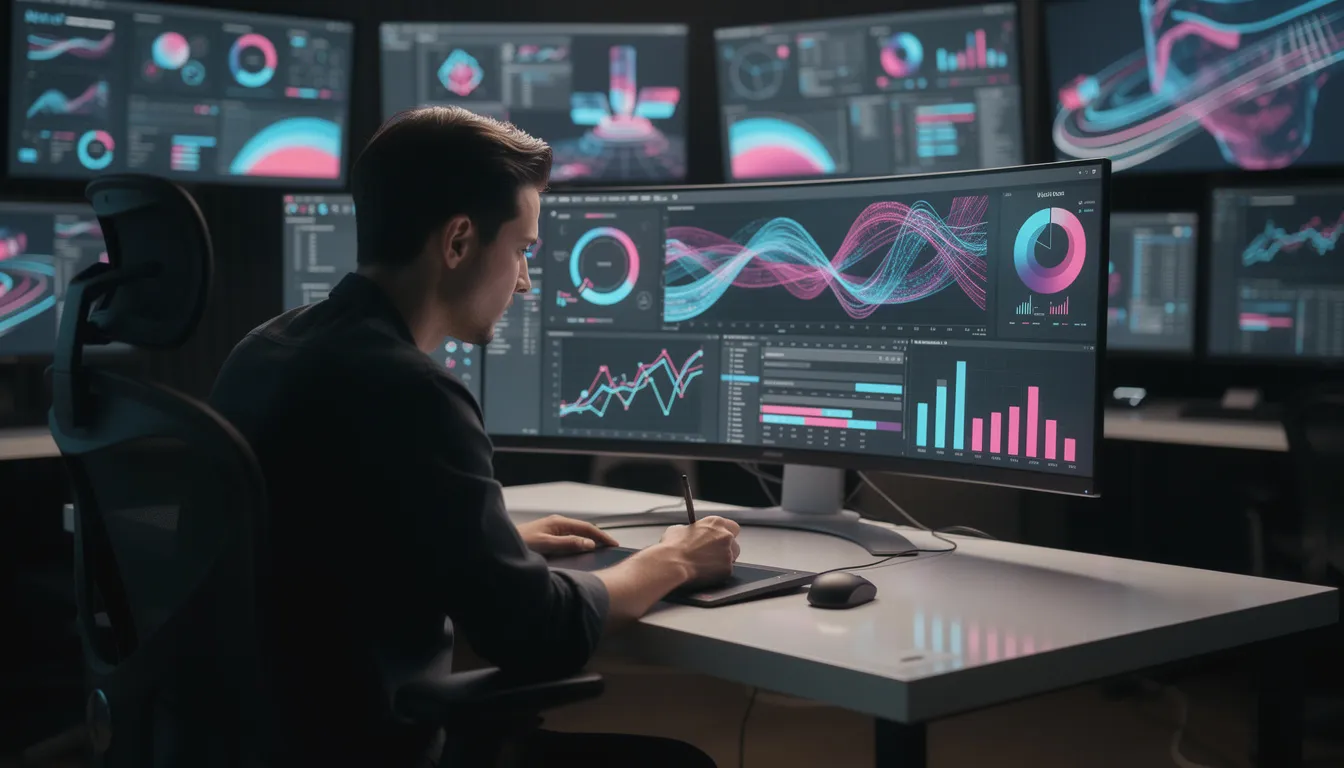
AI now contributes to motion graphics workflows in specific ways:
-
Style frames and design variations: Generative ai tools can rapidly produce multiple visual directions for lower thirds, infographics, UI animations, and title treatments. Designers review and refine AI-generated concept art rather than starting from blank canvases.
-
Rotoscoping and masking: AI-powered rotoscoping dramatically reduces the time required to isolate subjects for integration with animated elements. What once consumed hours of frame-by-frame work now happens in a fraction of the time.
-
Motion tracking enhancement: AI-assisted tracking handles complex movements more reliably, ensuring that animated elements stay locked to their intended positions even through difficult camera moves or subject motion.
-
Automated repetitive tasks: Offsetting animations across dozens of elements, applying consistent treatments to large sets of assets, propagating changes through templated graphics—AI handles mechanical repetition efficiently.
-
Video generation: AI-powered video generation technologies now enable the quick creation of animated or pre-visualized content directly from text or image prompts, transforming how teams approach early-stage animation and concept development.
-
Virtual environments: AI-driven match moving and tracking techniques facilitate the creation of realistic virtual environments, making it easier to composite animated elements seamlessly into live-action footage.
Granite River Studios uses these capabilities across project types: animated explainers for product launches, branded bumpers for broadcast series, and social “motion snacks” that support larger brand campaigns. For a New England SaaS company, we might create animated sequences illustrating platform benefits, with AI assisting the technical execution while human designers ensure the motion language aligns with brand guidelines.
The division remains clear: design, typography, and strategic visual direction come from human designers. AI aids exploration and execution speed. It does not generate brand strategy or replace the creative judgment that determines whether an animation serves the story or distracts from it.
Transitions, Titles, and AI-Generated Elements
AI can generate supporting visual elements—background plates, texture loops, particle effects, and subtle transition elements—with remarkable speed. Used tastefully, these enhance production value without adding significant time or cost. Video effects that once required extensive manual creation can now be generated and customized efficiently.
The caution is equally important: overusing flashy AI transitions can cheapen a brand video. Gratuitous effects signal that style is substituting for substance. Granite River Studios prioritizes clean, purposeful cuts and movement. When a transition draws attention to itself, it’s usually failing its function.
AI also accelerates typography and layout exploration for titles and supers. Generating multiple options for a campaign’s title card treatment now happens in minutes rather than hours. But a human designer still evaluates which option aligns with the brand system, which typography choices support legibility across screen sizes, and which motion feels appropriately sophisticated for the brand’s positioning.
The principle extends throughout: AI generates image generation variations and options rapidly. Humans exercise creative control over what actually appears in the final edit.
AI in Pre-Production: Concept Development and Visualization
The creative process begins long before the cameras roll, and AI tools are now reshaping how video creators approach concept development and visualization. In the early stages of the production process, AI-powered script writing platforms like ChatGPT and Jasper can generate multiple script variations, suggest engaging dialogue, and even draft entire scripts based on a brand’s messaging goals. This accelerates brainstorming and allows teams to quickly iterate on ideas, ensuring that the strongest concepts rise to the top.
Beyond script writing, generative AI tools such as Midjourney and DALL-E are revolutionizing the way concept art and storyboards are developed. With just a few prompts, video creators can produce detailed visual references, cinematic compositions, and mood boards that bring abstract ideas to life. This not only streamlines the pitching process but also helps align creative teams and clients around a shared vision before production begins.
By integrating AI into pre-production, Granite River Studios empowers clients to explore a wider range of creative possibilities, visualize their video projects with greater clarity, and make informed decisions early in the production process. The result is a more efficient workflow, reduced pre-production time, and a stronger foundation for every video project—whether it’s a TV ad, product launch, or brand anthem.
AI in Production: Smart Cameras and Real-Time Optimization
AI’s impact on video production is most visible on set, where smart camera systems and real-time optimization tools are transforming how footage is captured. Modern AI-powered cameras can automatically adjust focus, exposure, and framing, ensuring that every shot meets professional standards—even in dynamic or challenging environments. These intelligent systems help video creators maintain consistent quality, reduce human error, and capture footage that requires less correction in post production.
AI-driven production tools also optimize other critical elements, such as lighting and sound, by analyzing conditions in real time and making instant adjustments. This minimizes the need for extensive post-production editing and helps keep production timelines on track. Additionally, AI can identify gaps in coverage, suggest additional shots, and even generate missing footage or reference images, ensuring that the production process is both thorough and efficient.
At Granite River Studios, we leverage these AI capabilities to enhance the quality and efficiency of every shoot. By integrating AI in video production, our team can focus on creative direction and performance, confident that the technical aspects are being optimized in real time. This approach not only improves the final product but also streamlines the entire production process, delivering better results for our clients on schedule and within budget.
AI in Distribution: Automated Dubbing, Localization, and Delivery
The final stage of the video production journey—distribution—is also being transformed by AI, making it easier than ever for video creators to reach diverse audiences across the globe. AI-powered dubbing tools like ElevenLabs and Play.ht can generate natural-sounding voiceovers in multiple languages, allowing brands to localize their video content quickly and cost-effectively. This opens up new markets and ensures that messaging resonates with viewers, no matter where they are.
AI-driven localization tools go beyond simple translation, adapting video content to reflect regional preferences, cultural nuances, and local regulations. This ensures that every piece of video content is relevant and engaging for its intended audience. Meanwhile, AI-powered delivery platforms can automatically optimize videos for different channels—whether it’s social media, streaming services, or corporate websites—ensuring seamless playback and maximum engagement.
By embracing AI in distribution, Granite River Studios helps clients expand their reach, improve accessibility, and deliver a consistent viewer experience across platforms. As AI continues to advance, the possibilities for automated dubbing, localization, and delivery will only grow, enabling video creators to focus on producing high-quality, impactful content that connects with audiences worldwide.
The Human Factor: Why Tools Are Only as Good as the Operators
Every section of this article has circled back to the same truth: AI has made post production dramatically more efficient, but professional judgment, taste, and experience still determine whether a video project feels premium or generic. The tools have evolved; the need for skilled operators hasn’t diminished. It’s also important to recognize that AI-generated content can reflect biases present in its training data, potentially reinforcing stereotypes or limiting diversity—another reason why human oversight is essential to ensure inclusive, representative storytelling.
Consider the specific areas where human expertise remains irreplaceable:
-
Story selection and structure: Deciding which moments to include in a sixty-second brand anthem, how to sequence a customer testimonial for maximum persuasion, when to let a pause breathe versus cutting for pace—these are artistic vision decisions that AI cannot make. The software can identify potential “highlight” moments based on audio analysis, but it cannot understand why a particular phrase captures a brand’s essence.
-
Emotional calibration: Balancing color grade warmth against the energy of a cut, mixing music presence against dialogue clarity, timing a logo reveal for impact—these require understanding of audience psychology that machines don’t possess.
-
Sensitive content navigation: Healthcare patient stories, higher-ed diversity messaging, corporate restructuring announcements—content involving real people and real stakes demands empathy, cultural awareness, and ethical judgment that transcend technical capability.
-
Brand stewardship: Understanding how a single video fits within a larger brand ecosystem, maintaining visual consistency across campaigns, evolving a brand’s visual language appropriately over time—these require strategic thinking and accumulated knowledge.
Granite River Studios invests continuous time in staying current with DaVinci Resolve, Adobe, and emerging new ai tools. We evaluate each capability against genuine client benefit, adopting features that improve outcomes and passing on those that introduce unnecessary complexity or risk. Our approach to video production ai is selective, not comprehensive.
The collaboration model matters. Marketing and communications leaders bring goals, audience insights, and brand knowledge. Granite River Studios brings craft, equipment, experience, and AI-enhanced execution. The combination produces higher ROI and stronger brand storytelling than either party could achieve alone. Human creativity drives the vision; technology accelerates its realization.
Partnering with Granite River Studios for AI-Powered Post Production
A typical engagement with Granite River Studios follows a clear progression: discovery and strategy development, production planning with post in mind, shoot execution, then AI-augmented post production encompassing edit, color correction, audio finishing, motion graphics, and delivery of versions optimized for TV, CTV, web, and social platforms.
We serve mid-sized and large organizations across Greater Boston, Massachusetts, and Southern New Hampshire, producing video industries content including:
-
TV commercials for regional and national broadcast
-
OTT/CTV campaigns with precision targeting
-
Product launch films for B2B and consumer brands
-
Testimonial and brand anthem video series
-
Ongoing social media videos and campaign content
-
Training videos and internal communications
The advantages for organizations partnering with us include faster turnaround enabled by AI-accelerated workflows, consistent brand look across platforms through systematic quality control, and—most importantly—confidence that experienced professionals are steering the ai production tools rather than simply accepting default outputs. AI tools can also generate or source stock footage and b-roll, streamlining the post production workflow and expanding creative options for every project.
We integrate ai throughout our post production process while maintaining the human oversight that ensures every deliverable meets professional standards. Script writing support, generative ai tools for exploration, AI-assisted editing processes, intelligent color grading, automated audio cleanup, motion tracking, and smart delivery optimization all contribute to efficiency. But every creative decision passes through experienced hands.
If you’re planning an upcoming campaign—whether TV advertising, social content, product launch video, or multi-platform brand initiative—we’d welcome the conversation. And if you’re curious whether your current video workflow could benefit from AI-enhanced efficiencies without sacrificing quality, we’re happy to discuss what’s possible.
Contact Granite River Studios to explore how we can help tell your brand-defining stories with the craft they deserve and the efficiency modern production timelines demand. The future of video post production has arrived—and it still needs skilled hands at the controls.